Category Archives: Online Learning

Distance Teaching & Learning Conference 2020

 Distance Teaching & Learning Conference

For the first time ever, the Distance Teaching and Learning conference went fully online. This is my online diary, and placeholder for things I need to return to in the future.

I must admit that I missed being in Madison this time of the year but found the online conference to be considerably more efficient. This efficiency did have a downside – I admit to being in a state of continuous partial attention as I fielded work calls and requests simultaneously.

Surprising, Slack became a vibrant and well used part of the conference. Participation in Twitter significantly declined, with far fewer #UWdtl posts, live tweeting, and side conversations this year. Slack was the place to be. Messy, information overload, and chaotic. But also humanizing, filling a gap for those started of physical interaction.

Interaction in the sessions via services like Poll Everywhere, Google Docs, and Google Slides was variable, but paid huge dividends when it worked. My advice to presenters in the future is:

  • Use an easy-to-type shortened URL (bitly) and have this on all sides during the interactive parts of the presentation.
  • Make sure to activate your tool of choice before the presentation starts.
  • Consider placing a link in the Guidebook App.

I got to moderate some of the sessions on Tuesday and Wednesday, which gave me a glance behind the curtain. The majority of presentations used Zoom as the backend, with moderators and presenters in a Zoom breakout room. Video footage (speaker video and shared screen) was passed to Mediasite for participants to watch. Participants could type questions via Mediasite’s Q&A speech bubble, to be relayed to the humble moderator and then read out to the presenter. The tech team behind all this were exemplary – fielding issues and questions with quiet grace and authority. The more interactive sessions used Blackboard Collaborate, and here all could talk and chat simultaneously.

The majority of sessions were recorded, and these recording made available a few weeks after the conference finished. Making these recordings available is something I particularly appreciate, but it does not look as if many have taken advantage of this – the views for many sessions are in single figures at present (one session that I missed, but want to watch is “Measuring Engaged Learning in Online and Blended Courses”).

There were a few themes that seemed to bubble-up during the conference:

  • Understanding how to show caring for online students
  • HyFlex
  • Accessibility
  • Online engagement

Tuesday

eposter

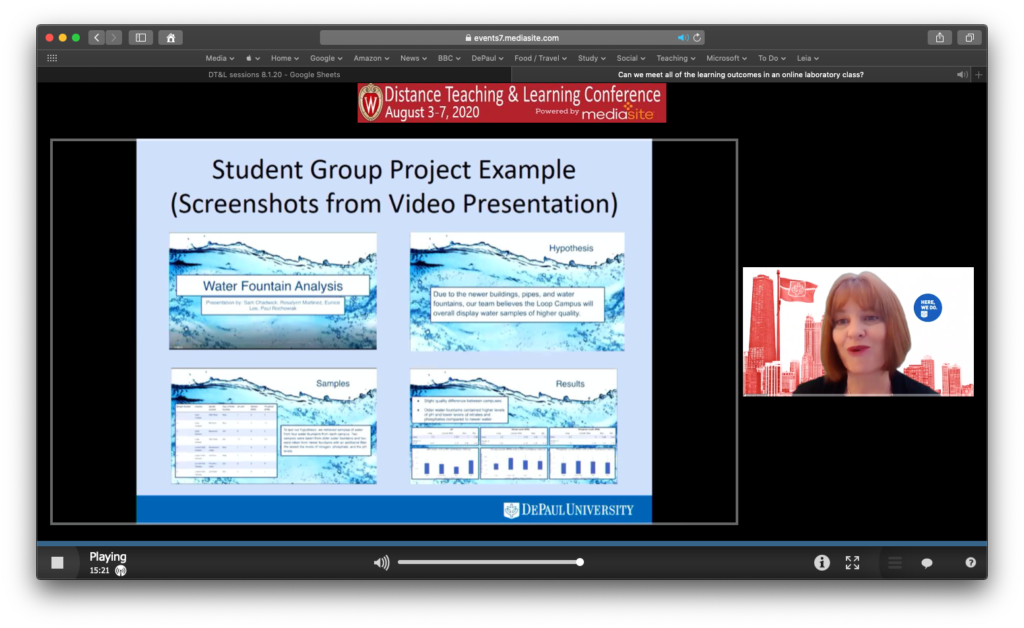
My colleague Margaret Workman presented a great eposter (Can we meet all of the learning outcomes in an online laboratory class) in the morning. The eposters were the perfect format – three 15-minute sessions were repeated over 45 minutes. This meant that you could jump from eposter to eposter like a series of speed sessions. In the virtual environment, this worked very well indeed. I followed Margaret’s session with Steve VandenAvond’s eposter (Creating Your Own Reality: The development of In-House Interactive VR).

Newton Miller gave a barnstorming keynote that really kicked things up and set a tone that continued throughout the conference. Historically, the conference has been very white. Black and brown faces are not as representative at the conference, and this is not a good thing, particularly this year. Newton’s keynote and Q&A posed a series of considerations that are both timely and important.

Thomas Royce Wilson was well-prepared for his “Cranky Colleagues v. Killer Robots: Helping Others Embrace Technology” which provided a useful framework for effectively collaborating with colleagues who might be technology-averse.

Each day ended with a “live wrap up.” This helped to reinforce the sense of community and a cohesive set of programming. The wrap up was also used to share pictures from the daily hashtag competitions.

Wednesday

HyFlex was a significant theme at the conference. Brandon Taylor, Janyce Agruss, and Amy Haeger shared their experience of teaching in the HyFlex modality (360-Degree View: Shared Experiences of a HyFlex Course Design Pilot) – a modality that now seems to be featuring heavily in the pans of most colleges and universities.

Mary Ellen Dello Stritto presented on “Using Course-level Data for Research” and shared Oregon State University’s “Online Learning Efficacy Research Database.” The database is a “searchable resource of academic studies on the learning outcomes of online and/or hybrid education in comparison to face-to-face environments.” I will definitely be taking a look at this later.

Maria Widmer and Claire Barrett presented on “Strategies for Connection and Belonging in Online First-Year Seminars,” in which I was reminded of the usefulness of “jigsaw discussions.”

Jean Mandernach’s presentation on “Teach More Students Without Increasing Your Instructional Time” was particularly interesting, and something I plan to dig deeper into. She also recommended a book that looks like it could add some value (Attention Management: How to Create Success and Gain Productivity – Every Day).

Thursday

Constance Wanstreet presented on “Learning Analytics and Gateway Courses: Keys to Student Success.” I think there is a gap here that the conference could fill by offering a beginner’s guide to learning analytics, with separate audiences for educators and administrators.

Trey Martindale’s “Online Learning and the Next Few Years in Higher Education: Follow the Money” was the highlight of the day. Not the happiest of analysis but argued well and definitely of value.

Tanya Joosten presented on “Empirical Approach to Identifying Digital Learning Innovation Trends.” Those trends are helpfully contained here, with more Information on the DETA site.
Blackboard Collaborate

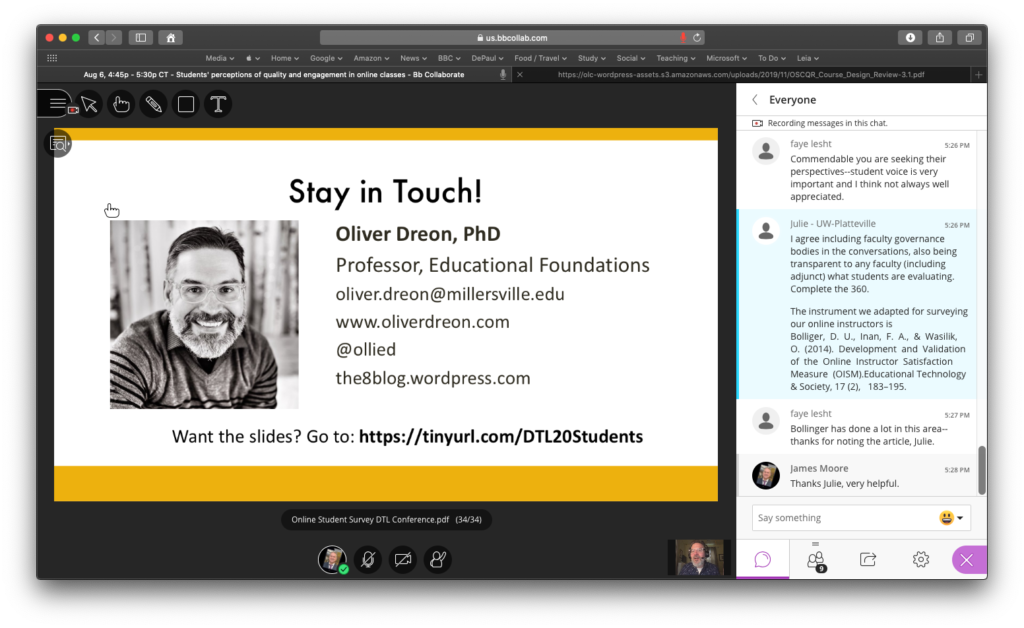
Oliver Dreon ran an engaging discussion (in Blackboard Collaborate) on “Researching online students’ perceptions.” I don’t know if this is a trend, but some institutions are moving away from using the QM rubric (which has a cost) to the (free) OSCQR (SUNY Online Course Quality Review Rubric). One thing I plan to investigate later came is this discussion

The instrument we adapted for surveying our online instructors is Bolliger, D. U., Inan, F. A., & Wasilik, O. (2014). Development and Validation of the Online Instructor Satisfaction Measure (OISM).Educational Technology & Society, 17 (2), 183–195.

Overview

The conference was surprisingly emotional – the feedback that I saw shared highlighted the sense of connectedness this year. Many attendees found the virtual format to be more efficient and productive. I don’t know how much of this structure will be used in future conferences, but I see the future as being more blended.

Duet Prevents Reflector 3 From Installing Properly

Reflector 3 not working

Reflector 3 not working due to Duet being installed

Recently, I had to install Reflector 3 on a Windows Surface Pro laptop to resolve an issue presenting in a classroom. Unfortunately Reflector 3 would not work for me after installing. All I could see was a blank window.

The issue was sue to Duet being installed on the Surface Pro. Removing Duet, rebooting, then reinstalling Reflector 3 fixed things. Thanks to Squirrels support for suggesting this.

Via The Atlantic: College Wealth Premium Has Collapsed

Definitely worth reading this piece in the The Atlantic, that makes the point that the economic value of Higher Education has decreased in the U.S. (“College still boosts graduates’ earnings, but it does little for their wealth”).

The article leans heavily on a study by the Federal Reserve Bank of St. Louis authored by William R. Emmons, Ana H. Kent, and Lowell R. Rickett.

Fears of Lecture Capture (and Multimodal Teaching)

A few of my colleagues are worried that multimodal teaching (synchronous classes in which faculty and students are in the physical classroom, with remote students and presenters connecting online) will result in fewer students in the physical classroom.

Anyway, hoping to assemble some research to reduce this concern. In the meantime, here is an article and original research that demonstrates what happened at the University of Leeds when lecture capture was provided. Well worth reading.

As a side note, I was a student in one of the author‘s MOOCs.

Web Scraping Workshop

Web Scraping

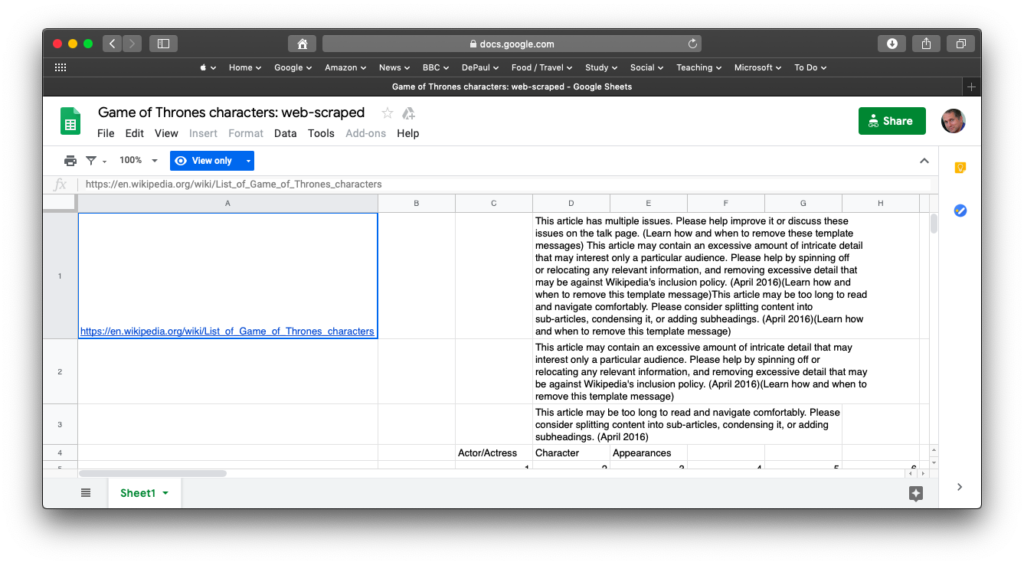
John R. Gallagher (Assistant Professor of English at University of Illinois, Urbana-Champaign) provided an extremely useful workshop on web scraping at DePaul today.

The workshop was introductory, and used the XPath query language and Google Sheets to begin, and then mapped out how R and Python could be used to automate.

Planning to come back to his resources and dig in deeper.

35th annual Distance Teaching & Learning Conference

35th Annual DT&L Conference

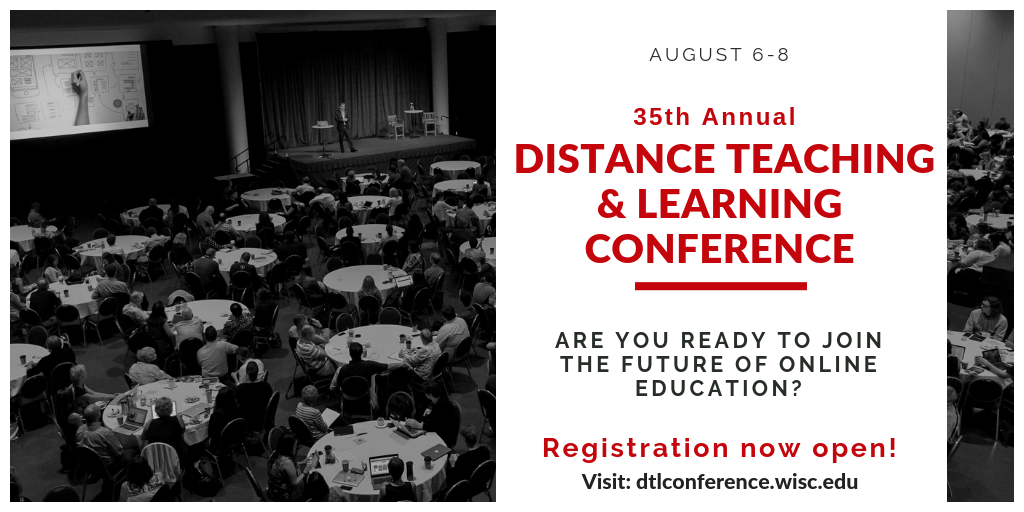
I am going to be presenting this year at the 35th annual Distance Teaching & Learning Conference (August 6-8, 2019) in Madison, WI. There are some amazing presentation and workshops scheduled. Hope to see you there.

The organizers have created some sneak peeks to share:

Keynote & Invited Speakers

Robin DeRosa

Workshops

Distance Education and Professional Development Program Director

The University of Wisconsin-Madison, Division of Continuing Studies is seeking a Distance Education and Professional Development Program Director for the Distance Education Professional Development team (DEPD). The DEPD program portfolio includes the annual Distance Teaching & Learning Conference, several online certificate programs, mini-courses, and custom online/blended offerings.

Here is the link to the job description.

The deadline to apply is April 6, 2017.

Google Apps for Education: Aggregating Some Information

Google Apps for Education

Over the weekend I received a request from a colleague that our university adopt Google Apps for Education. There are significant arguments either side of the adoption debate, and I am starting (again) to aggregate some sources of information and data.

Google Apps customers list

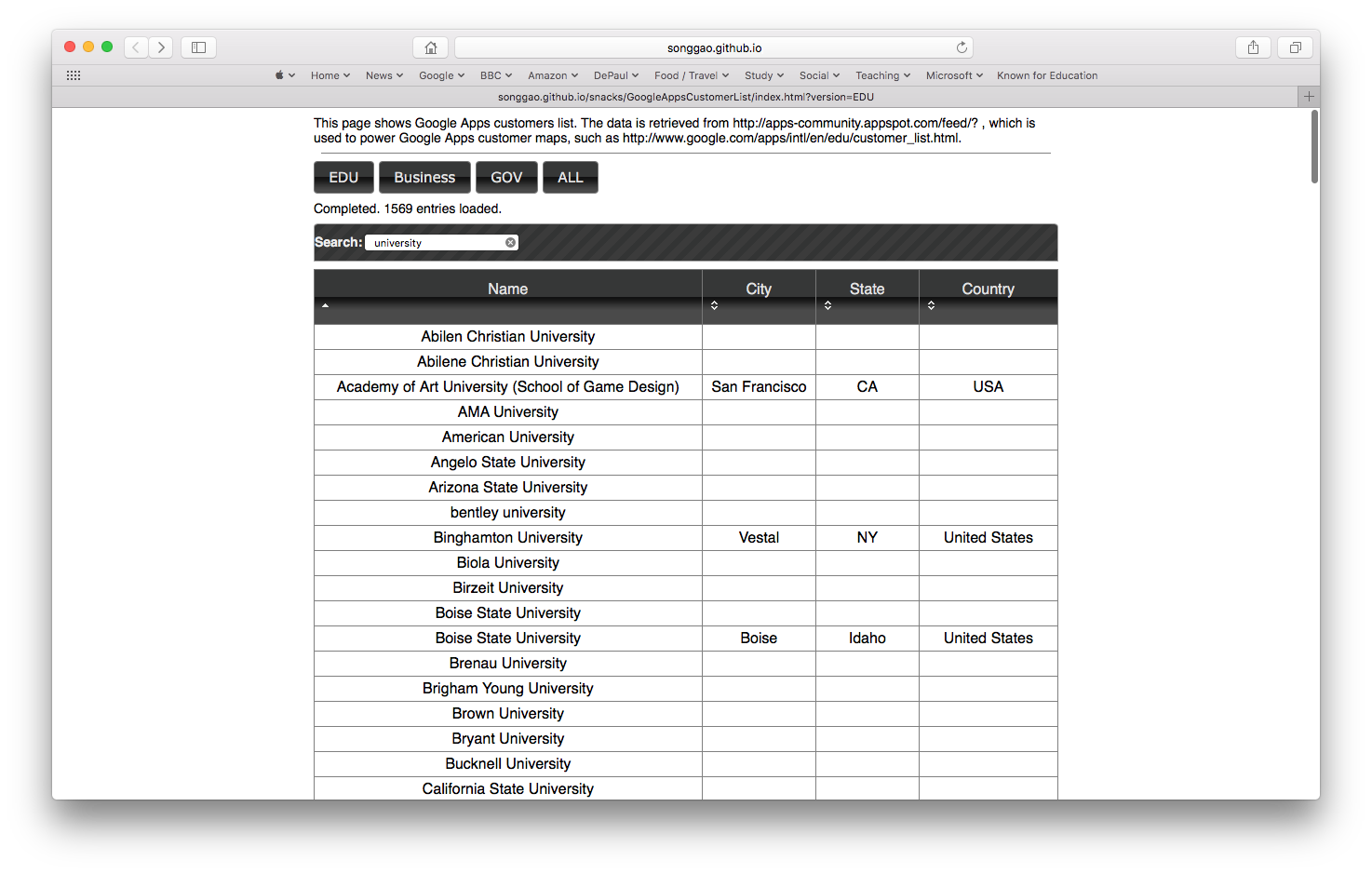
Song Gao (Ph.D. student at Auburn University) has created a rather useful Google Apps customers list on GitHub. The ability to search and filter is helpful (but some entries in the list to not have an associated city or state).

Google Apps Lawsuit

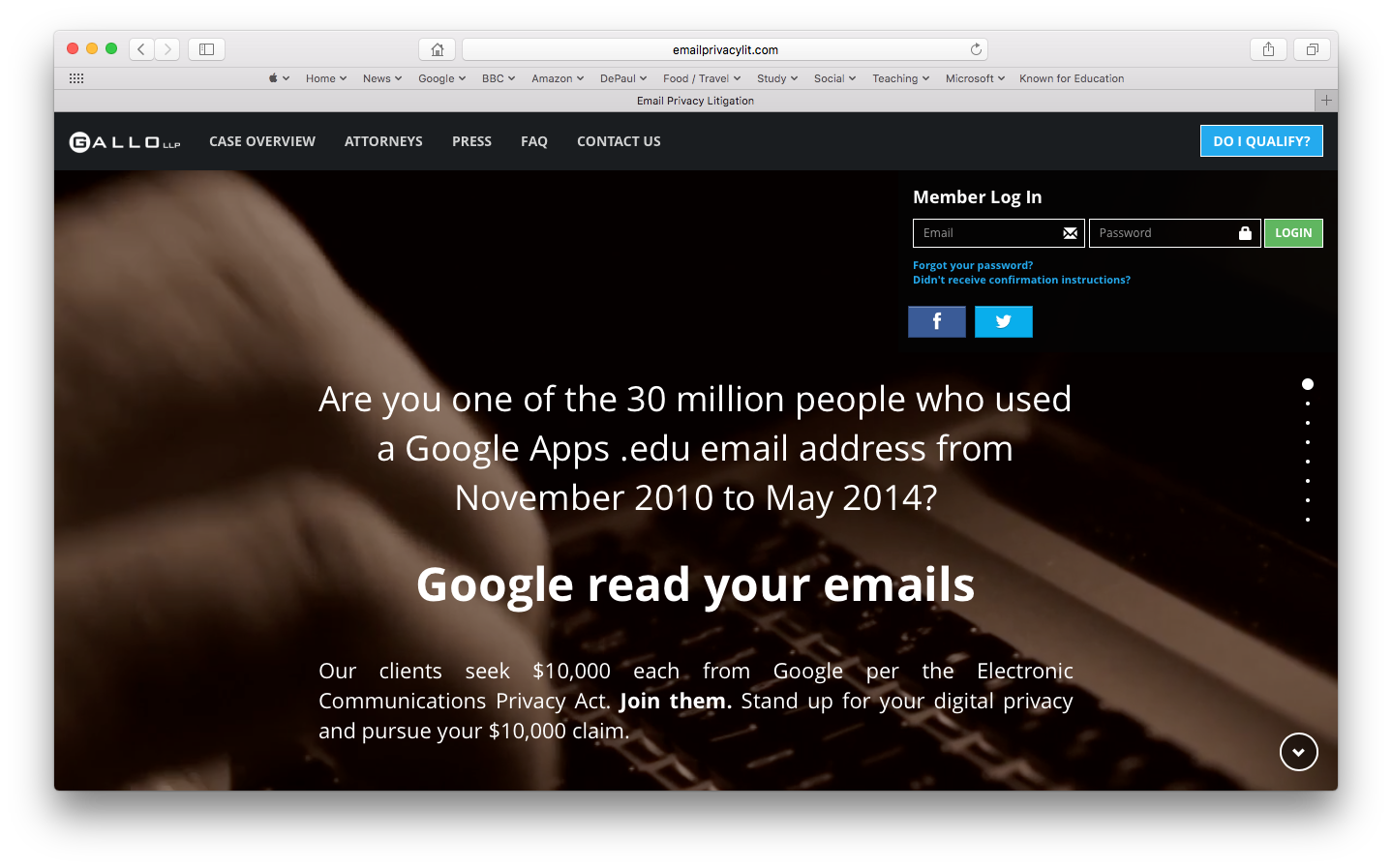
Foremost on my mind is the current legal action where university students are suing Google because the company allegedly scanned their email without consent. According to Google, “Google Apps for Education services don’t collect or use student data for advertising purposes or to create ads profiles” (although my understanding is that this is a configuration setting). The EFF thinks differently, and in 2015 launched their “Spying on Students” project.

I have not looked to closely into the cost of moving to Google Apps for Education, but the University of Michigan does say this about their decision:

Except for some limited specialty features–such as enhanced security and archiving–Google Apps for Education is provided at no charge to U-M. The business case cost analysis and financial projections estimate that for an initial investment of $1.8 million the university will realize ongoing cost savings of approximately $750,000 annually. Savings are achieved through the elimination of non-productive, redundant services, some decrease in infrastructure expenditures, and by leveraging the delivery options of Google’s cloud computing services.

Ultimately Google marches on, with Chromebooks now outselling Macs for the first time in the U.S.

Classroom Video Capture After OS X El Capitan

BT-1

For several years now, I have recorded every class that I have taught and the majority of the presentations I have given. I had a process that worked for me, efficient and low cost. I shared my process with others.

However, upgrading to OS X El Capitan placed a little bump in the road. My typical process was as follows:

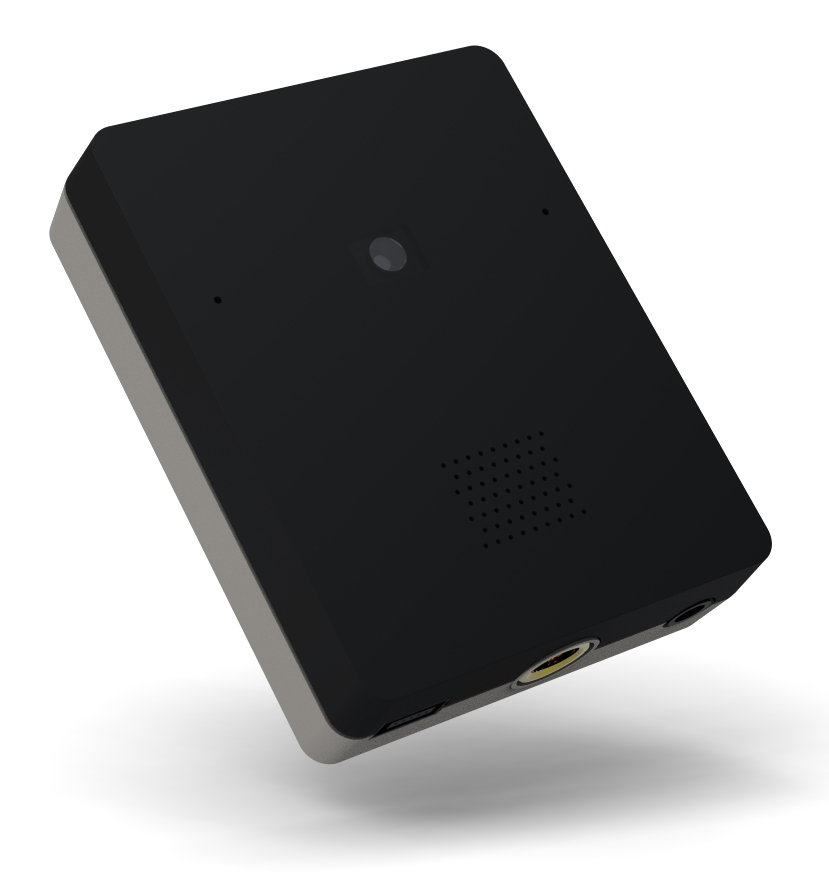
After upgrading, the Ecamm BT-1 Bluetooth webcam would not work at all. This handy little device is no longer supported by Ecamm, so my options were to give it up or roll back the OS to Yosemite. I decided to give up on the Bluetooth webcam, which was a shame. Having a wireless webcam that recorded live greatly speeded up editing – there was no need to import media or struggle with synchronizing content. I have been on the search for a comparable wireless webcam, but there does not see to be anything on the market, and my attempts to MacGyver an alternative all failed.

Adding insult to injury, the Zoom H2 microphone input that I connected to ScreenFlow sounded truly awful after the El Capitan upgrade (with strange audio artifacts and reverb). Again, working with older equipment, so unsure if there was a patch that would help. Newer gear, or just using the onboard microphone on the MacBook Air would be the easiest option.

Creative Vado HD Pocket Video Cam

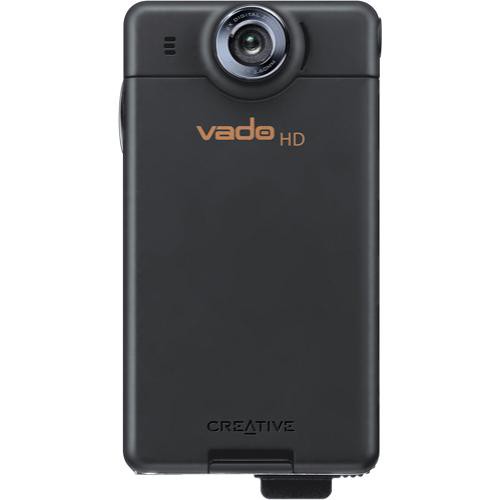
So I dug out the camera that I previously used to record in the classroom – the Creative Vado HD Pocket Video Cam. A great little device that used to work well for me. The cam could easily record a three-hour class (changing the battery at breaks), and had a decent microphone to pick up room audio (if my dedicated audio recording failed). Unfortunately the Vado records AVI files in an old and unsupported codec. Previously, Perian could be used to play the imported media files in ScreenFlow. However, Perian is no longer an option. Strangely enough, MPEG Streamclip could not convert the AVI recordings into something that Screenflow could use, but Epiphany’s Tube did the job. However, this just added additional delay (import media, convert media, import to Screenflow)  to what had been an efficient process. The Vado HD went back into the drawer of discarded technology, and I looked for something cheap and cheerful.

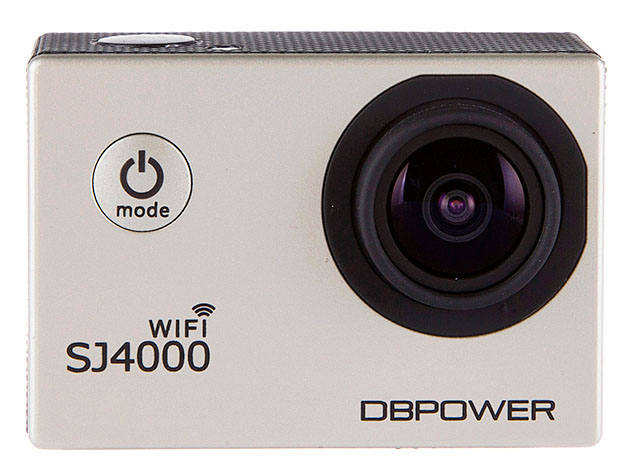
SJ4000 Wifi

The SJ4000 Wifi was selling insanely cheaply on Amazon, so I decided to give this a go. At the moment I am unsure if this is a genuine SJ4000, as the branding says “DBPOWER,” but this is an extremely affordable GoPro alternative.

The camera comes with a plethora of cases, stands, cables, and accessories. Best of all was a semi-open case that had a tripod screw top and bottom. Through the use of a male threaded screw adapter, I was able to place my Vado HD and  SJ4000 cameras on the same Gorrilapod. This way I could record with multiple cameras, using a tested option as a reliable backup.

Snippets

First Failure – Too many snippets

My first test was a dismal failure, with the SJ4000 recording a sequence of very short clips. Changing a few settings on the menu fixed that. However, I did see that recordings were stopping about the 45-minute mark. To try and fix this, I bumped the resolution down to 720P (1280x 720 60fps) from 1080FHD (1920 x 1080). In a very basic test (recording myself typing at my desk) this seemed to improve things  – the recording would automatically split into two clips at the 01:06:50 mark. Generally I try and keep my classroom sessions no longer than an hour, so this should be OK. Recording at this stage is about 4GB in size, and works most reliably when copied over from the SJ4000 to my local drive.

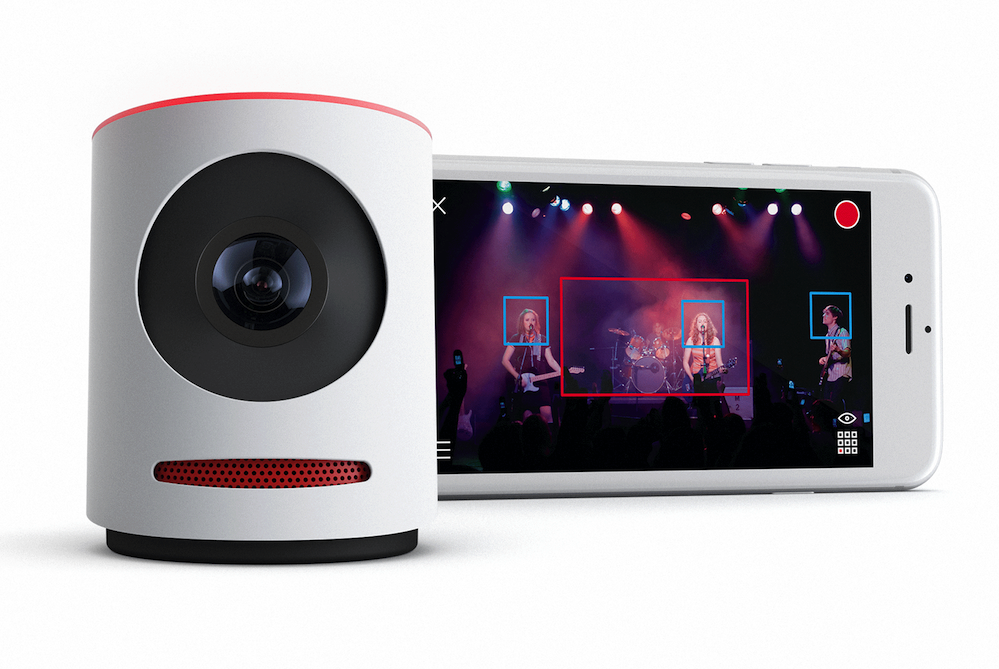
Movi

At the moment the new process works, but is not as efficient as working with the BT-1. I am contemplating seeing if the Mevo will be a solution for me.

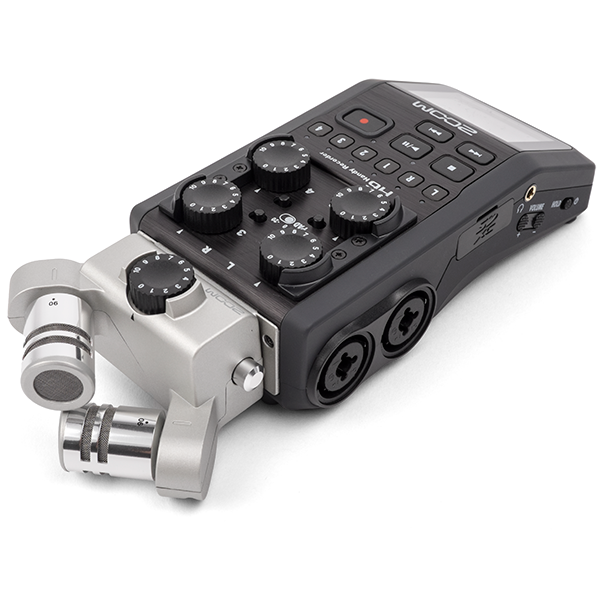
Zoom H6 Six-Track Portable Recorder

And maybe I could take a look at the Zoom H6 Six-Track Portable Recorder.