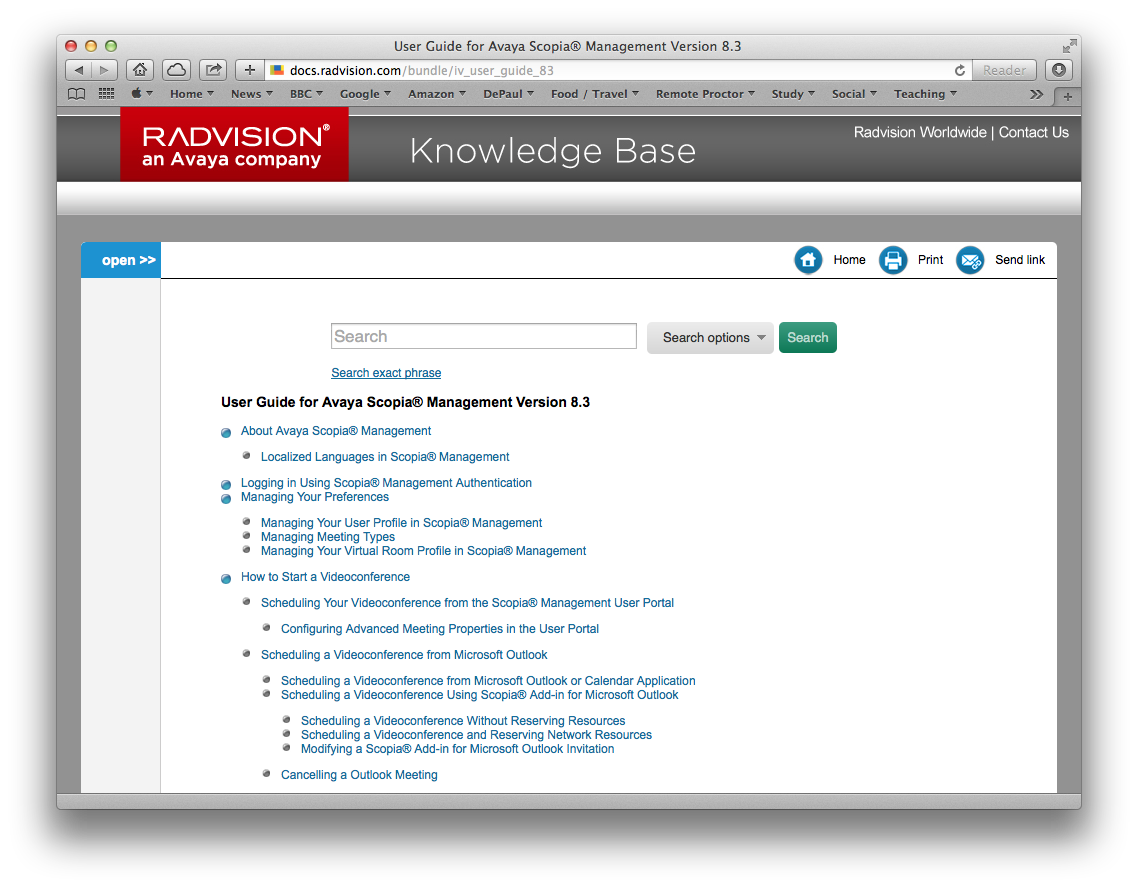
 Scopia is one of the systems we have been using at work. When I am unsure of how to get something to work, this is where I go for documentation. Saving this here, just in case my book link gets lost.
Category Archives: Online Learning
Captioning (Subtitles) and Transcription On The Cheap

One idea that has been bouncing about my head, but I have yet to fully investigate, is creating captions/subtitles on the cheap. Paying a third party to provide this transcription service can get expensive – you can expect to pay $1 a minute, although there are places where you can go for a cheaper deal.
However, there are automated services like Siri, OS X Dictation, or Dragon Dictate. YouTube will automatically create a transcript when you upload a video (although the accuracy might not be there), and this text file can be downloaded and edited.
My thoughts are to take a regular video recording, and then parse it into one of these services. I just have not got round to this yet, but may give it a go soon.
Dragon Dictate looks like it has part of this capability, but costs about $200 and works with one voice only (no good for interviews).
The two approaches that look like they will work best for me (for free) are:
- Uploading an audio or video file to YouTube, and then editing the transcribed text file.
- Using Soundflower to send an audio file into the OS X Dictation service. This post from Level Up Lunch describes the process.
Option 1 is the way to go with video. The process here is going to synch the transcription with the video. Option 2 will be realtime, but could be useful for situations where I do not have Internet connectivity, or just want a text file.
Shindig
Shindig
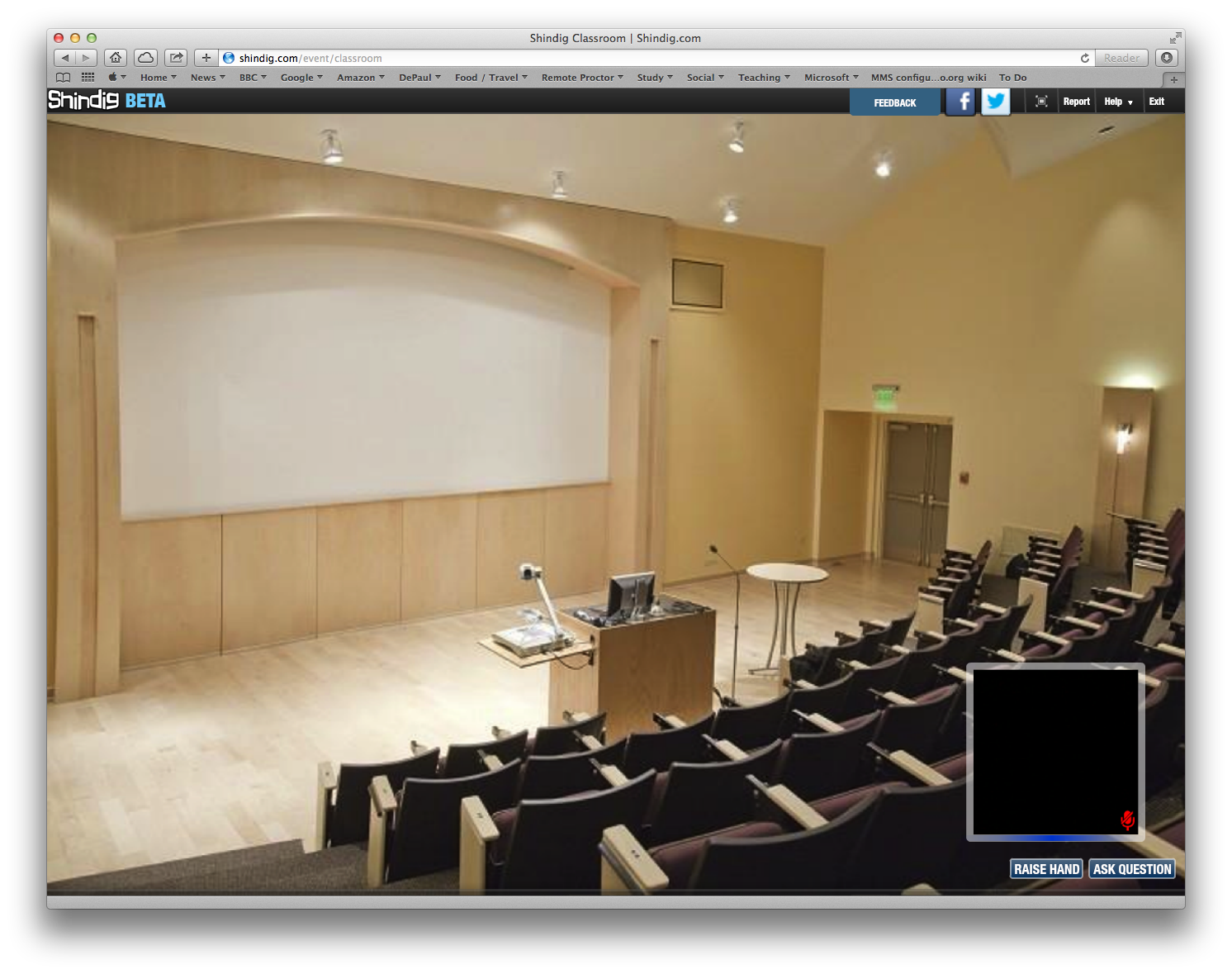
I (and two of my work colleagues) got a chance to see Shindig in practice last Friday. Shindig is a video collaboration service that is currently in beta. The user interface is particularly impressive – at work we use tools like this on a regular basis, and typically students and faculty need significant assistance to collaborate. Shindig was something that “just worked.”
However, Shindig is still in beta. I get the impression that the company is still trying to find its way, and work out the best way to make money. Thus, the company is now reaching out to education. This could be a tough sell – education does not have money to spare. There a some important features that Shindig does not have just yet, such as:
- Native recording of video events.
- Native recording of text-chat.
- Polling / quizzing functionality.
- Mobile client (service only works on desktop browsers).
- LTI (Learning Tool Interoperability) API (Application Programming Interface)- i.e. works with all the major LMS ( Learning Management System) platforms.
Additionally, some of the ways that the company markets itself via the website and YouTube sends the wrong message. I get the impression that the company is in a somewhat precarious position.
I hope they make it. I really liked the user interface and basic functionality. Shindig felt like a product where I did not need to crack open the manual.
https://www.youtube.com/watch?v=5JwZoQYnnKc&list=PLRhWiq5YAdTtyuCgLxq0-08jxrm1To-NM
http://youtu.be/ICsNKttfsOE
UW-Madison Online Learning Jobs
Kimary Peterson just shared information about these three positions with me:
1) Online Instructor in Distance Education (DEPD position)
UW-Madison, Division of Continuing Studies (DCS)
We are working to fill a vacancy for an Online Instructor in Distance Education in our Continuing Studies Distance Education and Professional Development department.
The application deadline is Aug. 22nd, 2014.
For a full description of the position and how to apply, please go to: http://go.wisc.edu/59374a
2) Instructional Designer/Instructional Technologist (DEPD position)
UW-Madison, Division of Continuing Studies (DCS)
Are you interested in joining a team of outstanding professionals to engage lifelong learners through high-quality and innovative programs and services? We are seeking an instructional designer/technologist to work with faculty and staff developing blended and online courses primarily within the Distance Education Professional Development (DEPD) unit. DEPD prepares educators for online teaching and leadership roles through online courses, certificates, and participation in the Annual Conference on Distance Teaching & Learning. You would also develop online/blended courses for a variety of other units in the DCS Department of Liberal Arts and Applied Studies (LAAS).
The ideal candidate will have at least three (3) years of demonstrated experience in instructional design and instructional materials development. A Bachelor’s degree required; graduate degree in educational technology, instructional design, education/curriculum development or related discipline preferred.
This position is based in Madison, WI. Applications are due by September 2nd,, 2014.
For a full description of the position and how to apply, please go to: http://go.wisc.edu/mg7tc5
3) Professor of Adult Teaching & Learning (Division position)
UW-Madison, Division of Continuing Studies
The University of Wisconsin-Madison is a public, land-grant institution that exemplifies the “Wisconsin Idea” – that the boundaries of the university are the boundaries of the state and beyond. We seek two tenurable or tenure track faculty to provide leadership and contribute to the department’s expertise in adult teaching and learning, continuing education, and distance learning. These individuals will enhance the department’s capacity to conduct research related to continuing education, including distance education. Applicants must show evidence of the ability to develop an excellent research program in adult teaching & learning, and/or continuing education, as well as evidence of knowledge and demonstrated excellence in distance education and teaching adults. An earned Ph.D. in education or related field is required.
Applications are due October 8th, 2014.
For a full description of the position and how to apply, please go to: http://go.wisc.edu/n03l2d
iPad Lecture Capture
I am presenting an Information Session (iPad Lecture Capture: Information Session I-3) at the 30th Annual Conference on Distance Teaching and Learning. The presentation will take place on Wednesday 13th August from 10:30-11:15 a.m. This will be part of the Technology, Tools, and Media track.
The presentation notes, hyperlinks, and PDF can be accessed here: http://condor.depaul.edu/jmoore/ipad-capture/
Teaching Online: Guide To Four Complex Learning Theories
I am currently in Week One of the MOOC “Teaching Online: Reflections on Practice,” and already there is a wealth of material that I am putting to (good) use. My primary reason for taking the course was to get a deeper experience of Canvas (a Learning Management System), but the course aligns nicely with work and my interests.
One of the resources shared this week was an infographic for “A Simple Guide To 4 Complex Learning Theories” (Behaviorism, Cognitivism, Constructivism, Connectivism). Very useful, and worthy of sharing:

A Simple Guide To 4 Complex Learning Theories
Source: Edudemic
DePaul University Teaching and Learning Conference 2014
On Friday 2nd May, DePaul University presented its annual Teaching and Learning Conference. Handouts and a video recording of José Bowen’s (Teaching Naked) keynote have been posted the Teaching Commons website.
Adobe Voice (looks promising)
Adobe just released an iPad app (Adobe Voice) that allows the user to create narrated videos. This looks to be a pretty versatile tool, and pushes the creator into following a scripted storyline (with calls to action). Images come from Creative Commons.
I have downloaded, and will be testing.
Google’s News LMS (Apps for Education)
A colleague at work alerted me to the news that Google has a new free LMS for schools. Google Classroom will be the new tool that adds a Learning Management System to Google Apps for Education.
Campus Technology has a brief piece of news here, and Google has a page where you can sign up for an invite.
There is a certain degree of déjà vu all over again with the news. Google has released, or announced, similar initiatives in the past:
- CloudCourse. Launched in 2010 as a course scheduling system, but no longer maintained.
- OpenClass. Announced in 2011, this was a collaboration between Pearson and Google. Abilene Christian University migrated to the system in 2013, but many faculty found the system with too simplistic and started using Blackboard’s CourseSites.
- Course Builder. Released in 2012, this was Google’s free tool for building online classes. Google helpfully provides a list of courses built with the tool here.
- edX. In September of 2013, Google announced that they would continue to maintain Course Builder, but would focus on edX (and provide an upgrade path).
Google is known for discontinuing great products and services (such as Lively, Wave, Google Reader), seemingly because a product manager leaves or moves on to another project. Whilst being a free option, there may be some risk in committing to the new Google Classroom.
CourseMaster, edX, and my LMS Wishlists
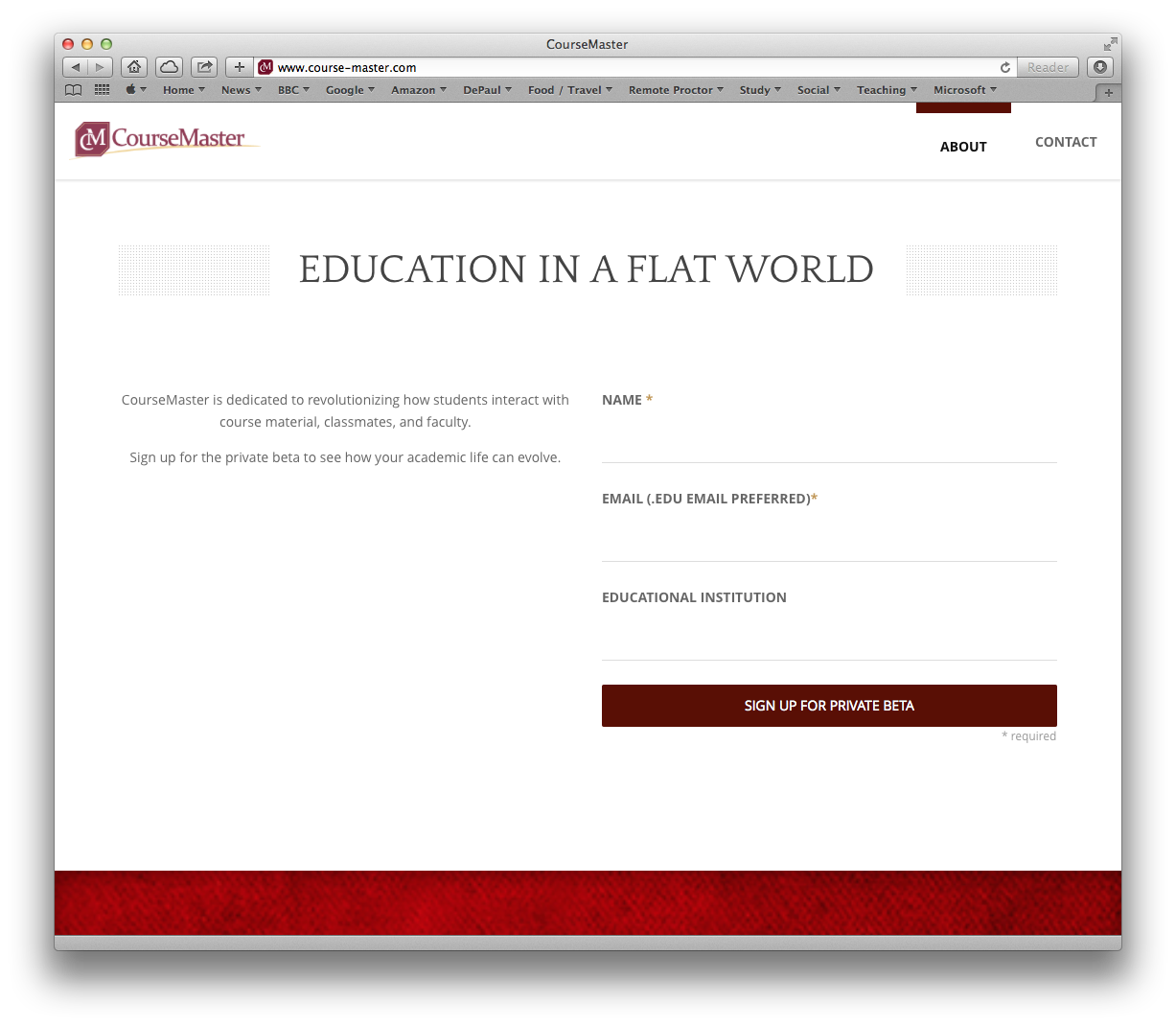
On Friday, I had the chance to talk with Daniel McKelvey (VP of Business Development at CourseMaster). CourseMaster is positioning itself as an edX service provider. edX is open source, so those with both the technical resources and the inclination can download and install their own instance of the software. Alternatively, organizations can turn to a third party like CourseMaster.
In our conversation, Daniel positioned CourseMaster as having three distinct advantages (i.e. elements added by the company):
- LMS core (branded, fully serviced and supported)
- Faculty dashboard
- Social collaboration and gamification
Support is for both faculty and students.
The business model is based on users (defined as interacting with 20% of course content) and duration of the course.
This looks interesting, and I intend to investigate further. Working on getting some colleagues to collaborate on a pilot.
The faculty dashboard and collaboration modules are what I am most interested in. Currently, Learning Management Systems are still pretty much Web 1.0. Most educators use the LMS as a publishing platform, and student interaction gravitates towards discussion, quizzes, and the uploading of files. Hopefully we will soon see Learning Management Systems approach Web 2.0 interactivity.
For example, services like Doodle allow me to quickly (and automatically) negotiate the best time for a group of colleagues to meet. Imagine if a LMS allowed for that type of automated decision making for the composition of student groups (based upon skillset, timezone preference, and/or project preference). Affordances like this are what is needed in a LMS, particularly as we see increasing time demands on both students and faculty. I still have yet to see true collaboration tools built into the leading LMS providers that come close to the power of Google Docs, Skype, or Facebook. WordPress is a model that I would like to see Learning Management Systems follow here, where you could browse for plugins that add the collaboration functionality you need (that being said, WordPress can be used as a LMS).