Scopia Documentation
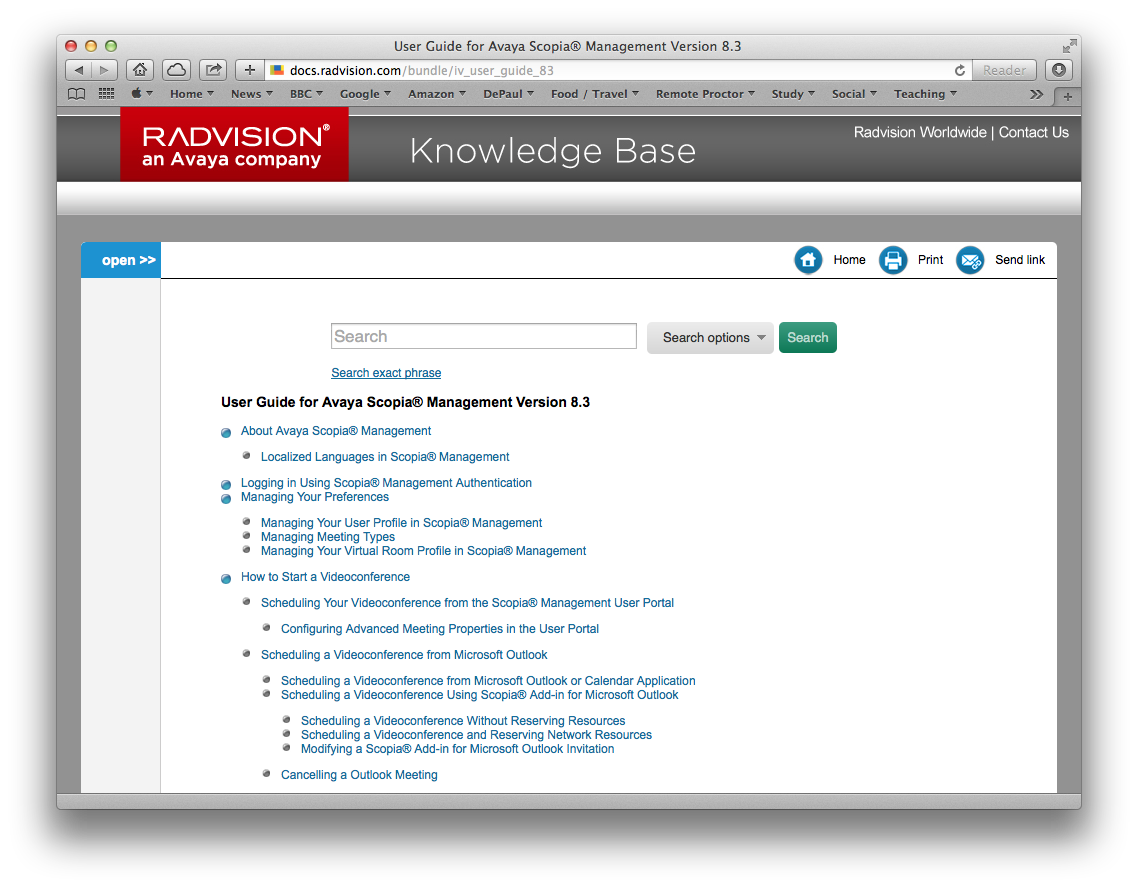 Scopia is one of the systems we have been using at work. When I am unsure of how to get something to work, this is where I go for documentation. Saving this here, just in case my book link gets lost.
Feeling Old
Choices
Concrete Waves

Checklist
1893

Captioning (Subtitles) and Transcription On The Cheap

One idea that has been bouncing about my head, but I have yet to fully investigate, is creating captions/subtitles on the cheap. Paying a third party to provide this transcription service can get expensive – you can expect to pay $1 a minute, although there are places where you can go for a cheaper deal.
However, there are automated services like Siri, OS X Dictation, or Dragon Dictate. YouTube will automatically create a transcript when you upload a video (although the accuracy might not be there), and this text file can be downloaded and edited.
My thoughts are to take a regular video recording, and then parse it into one of these services. I just have not got round to this yet, but may give it a go soon.
Dragon Dictate looks like it has part of this capability, but costs about $200 and works with one voice only (no good for interviews).
The two approaches that look like they will work best for me (for free) are:
- Uploading an audio or video file to YouTube, and then editing the transcribed text file.
- Using Soundflower to send an audio file into the OS X Dictation service. This post from Level Up Lunch describes the process.
Option 1 is the way to go with video. The process here is going to synch the transcription with the video. Option 2 will be realtime, but could be useful for situations where I do not have Internet connectivity, or just want a text file.
Gotham

Dragonfly