Dunsurfin
James Moore's extemporaneous website
Menu
Skip to content
Home
About James Moore
Family & Travel
Instagram Gallery
Twitter
Search for:
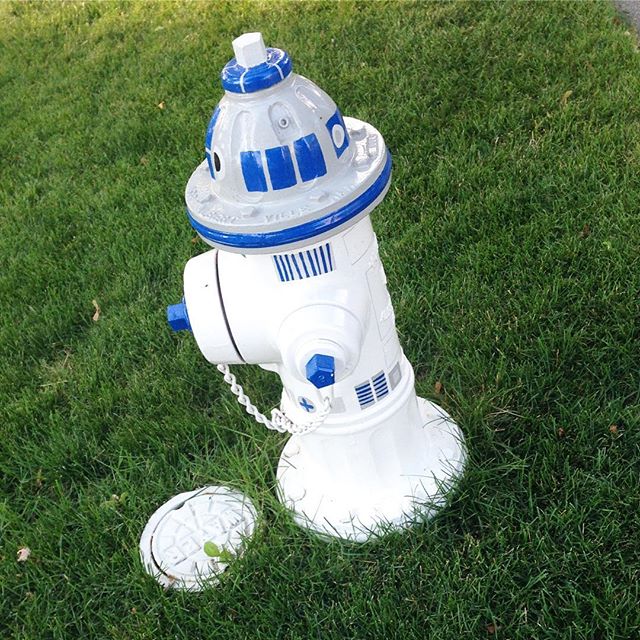
Wrong Fourth
3 July, 2017
Mobile
James Moore
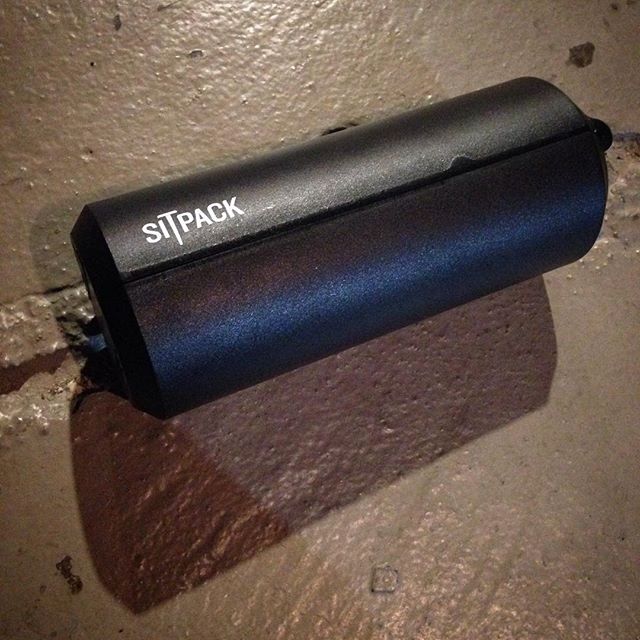
Sitpack
2 July, 2017
Mobile
James Moore
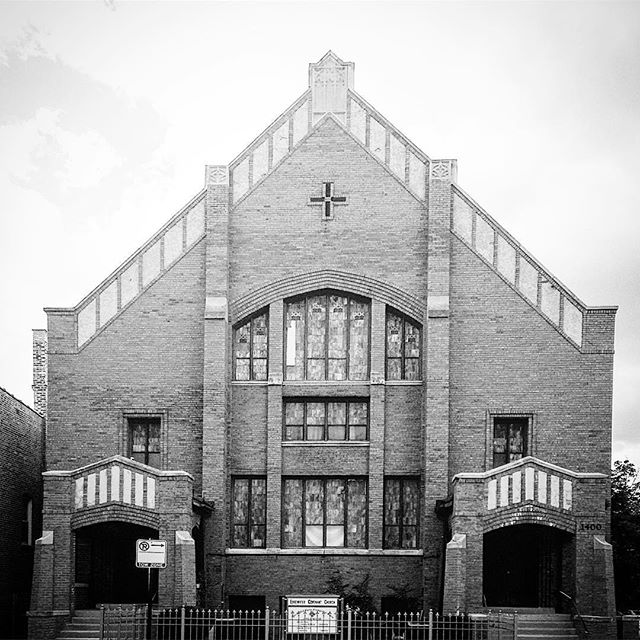
Somewhat Ironically, Devil Horns
1 July, 2017
Mobile
James Moore
Doll
30 June, 2017
Mobile
James Moore
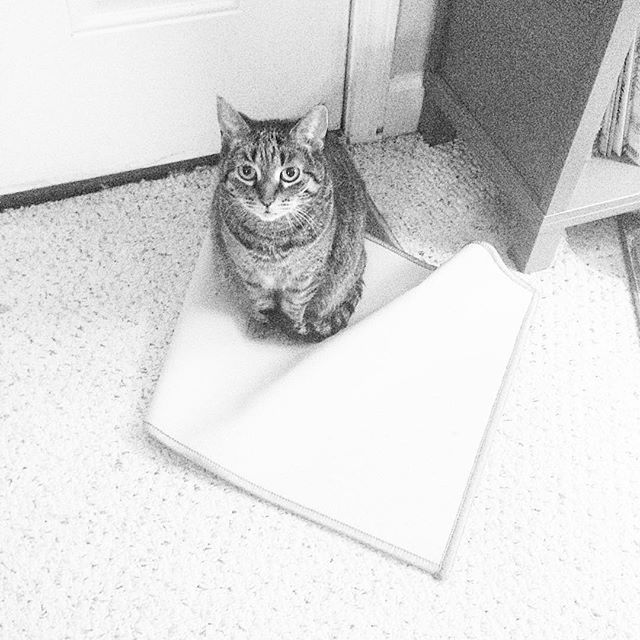
Not Me, This Was The Work Of Another Cat
29 June, 2017
Mobile
James Moore
Crossing
28 June, 2017
Mobile
James Moore
Petals
27 June, 2017
Mobile
James Moore
Like Jimmy Page
26 June, 2017
Mobile
James Moore
Ken Is Not The Only One
25 June, 2017
Mobile
James Moore
Penumbra
23 June, 2017
Mobile
James Moore
Posts navigation
←
Older posts
Newer posts
→