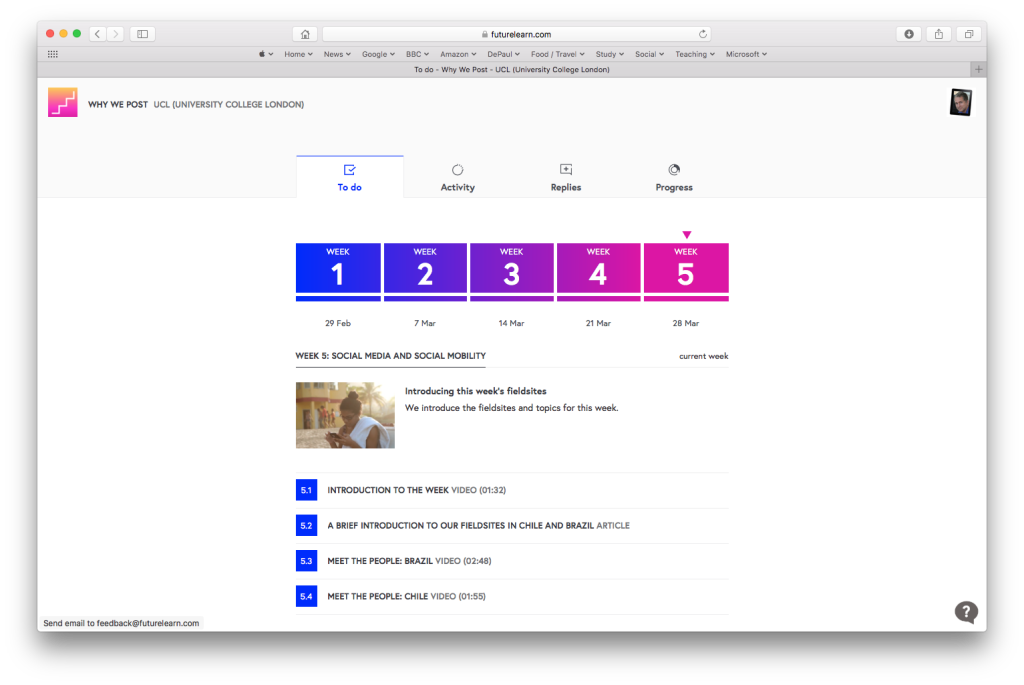
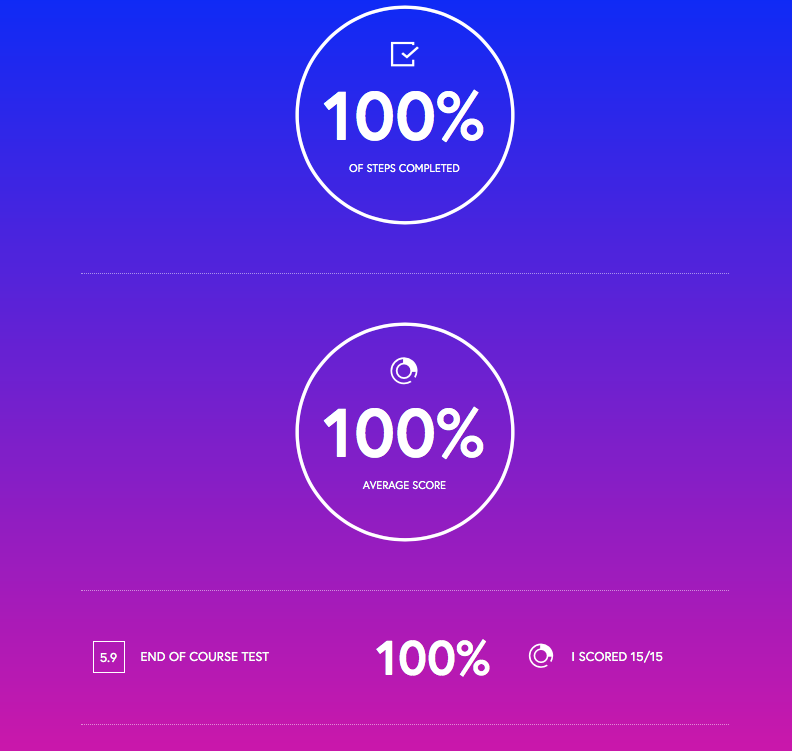
The end-of-course email was a good touch. Not all MOOCs I have looked at do this. The email is an efficient way of reminding students of the various resources that they have encountered, as well as alerting students other educational options (upselling). With Why We Post, this was a link to the MSc in Digital Anthropology.
I have just successfully completed two FutureLearn (full disclosure: a friend of mine works for the company, but beyond sharing some of my experience with him this has not affected my studies) courses: “Why We Post” and “Blended Learning Essentials: Getting Started.”
The “Why We Post” course was not what I thought it would be. Even though I knew what some of the focus was based upon listening to the interviews on the Click podcast, I still expected to see coverage of social networking platforms and techniques. The course was more the sharing of anthropological research from a series of field sites around the world.
However, it was a fun course and I particularly enjoyed the discussion board conversations with several participants. Each day I would eagerly check to see if there were any replies to a conversation in which we were exploring ways in which the research could be improved.
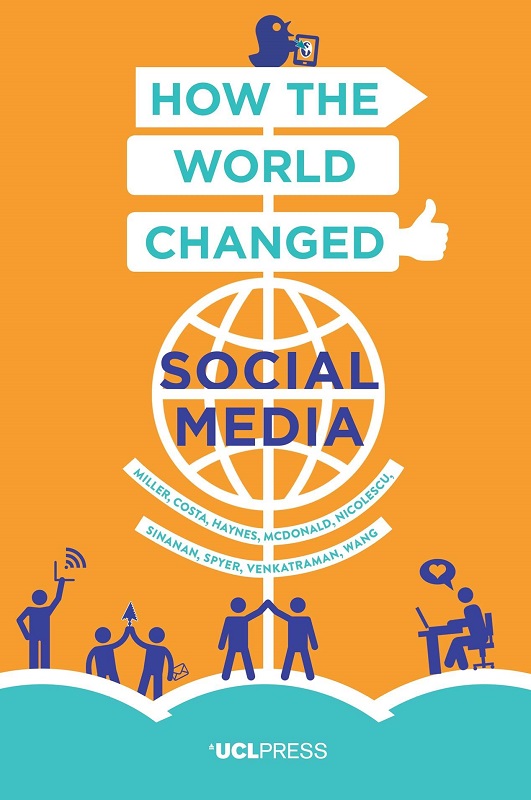
Book: How The World Changed Social Media
The course also shared some particularly helpful open resources:
The FutureLearn platform is very much designed for the Cloud. The central concept is that the courses, content, discussion, and student progress will stay there forever in an open and accessible format. I am a cynical individual, so my progress through the course was largely to copy content down to a working journal. Here I could record my progress and compose my responses before copying and pasting back to the discussion boards. For that reason, the course worked best for me where I could use a large monitor in a nice quiet office.
However, the platform would work very well for those on a mobile device (i.e. iPhone or iPad) with no need to save content locally. All elements of the course worked well on the mobile devices I tested on – far better than my experience with Blackboard or Desire2Learn.
Initially I was less impressed with the discussion board. The options to post and reply are very limited (no formatting of text or adding multimedia). Nested replies were not possible. However, I assume this is a tradeoff in terms of ease-of-use, security, and speed (storage). This did not prove to be an issue.
By testing on both courses I was able to experience quizzes, peer assessment, and video. FutureLearn provides both subtitles and transcription for the videos. The videos can be streamed or downloaded.
The profile options were simple, but easy to use.
The business model seems to be partially underwritten by “Statements of Participation.” These can be purchased after successfully completing a set percentage of the course. The certificates are reasonably priced, and can be embedded in LinkedIn. I was very happy to pay what I did for the experience. I have no idea how highly the statements are viewed by employers or higher education.
Blended Learning
The material here was more familiar to me, and I was interested to see how the two educators designed and delivered this course. One technique in particular impressed me…
Google Hangouts
Creating presence in an online course can be difficult – after a while students drop out due to inertia and competing demands on their time. With presence (the addictive need to check into a course and see what is happening), you are more likely to see those students complete the course.
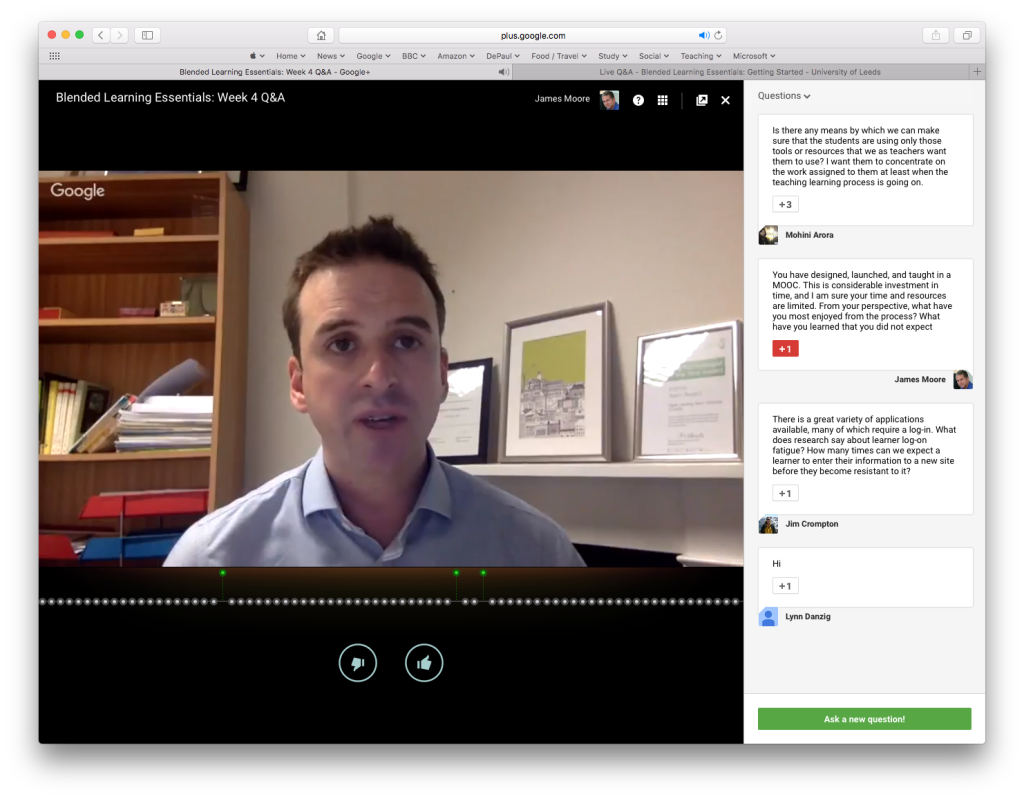
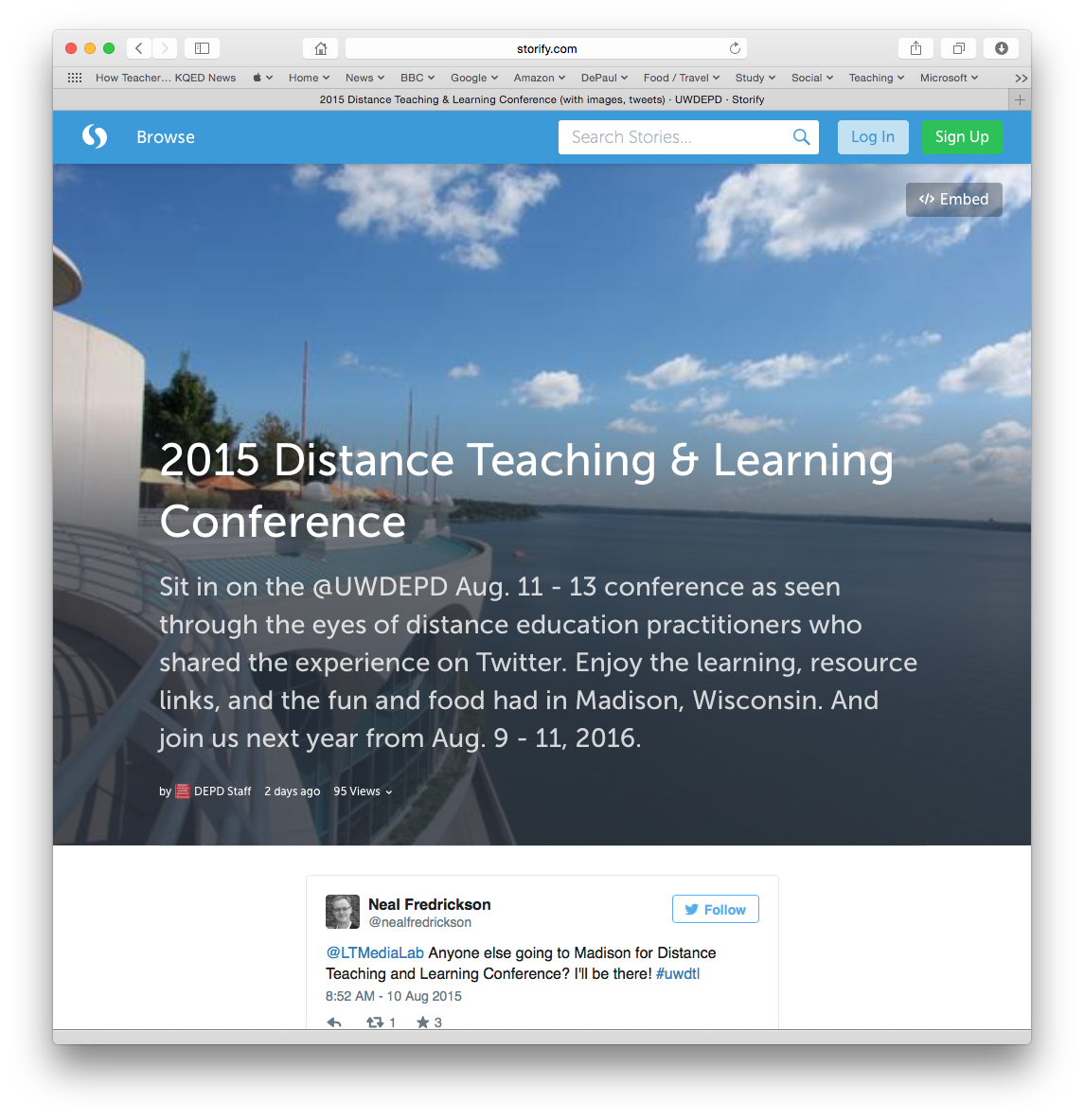
Diana Laurillard and Neil Morris did a great job of crafting easily digestible content and activities that were just the right size. Additionally, they used Google Hangouts and Twitter to make themselves approachable and relevant as the course was taught. Answering questions live in front of a webcam is a scary experience, but became one of the high points of the course (one good technique that Neil followed was to blend live questions from Hangouts with printed questions and Tweets). I am very tempted to try the same thing later in the year.
Two quotes during the course resonated with me:
“It is hard to sell a thing that is free”
Neil Morris pointed out that the costs of developing the MOOC were high, and they had crafted a quality product. However, marketing a free service was far harder than getting students into a more expensive (but equivalent) experience.
“We must be careful that the educator’s ‘flexibility of time’ is not taken to mean ‘elasticity of time’”
Sound advice.
Anyway, looking forward to the second Blended Learning course in June.
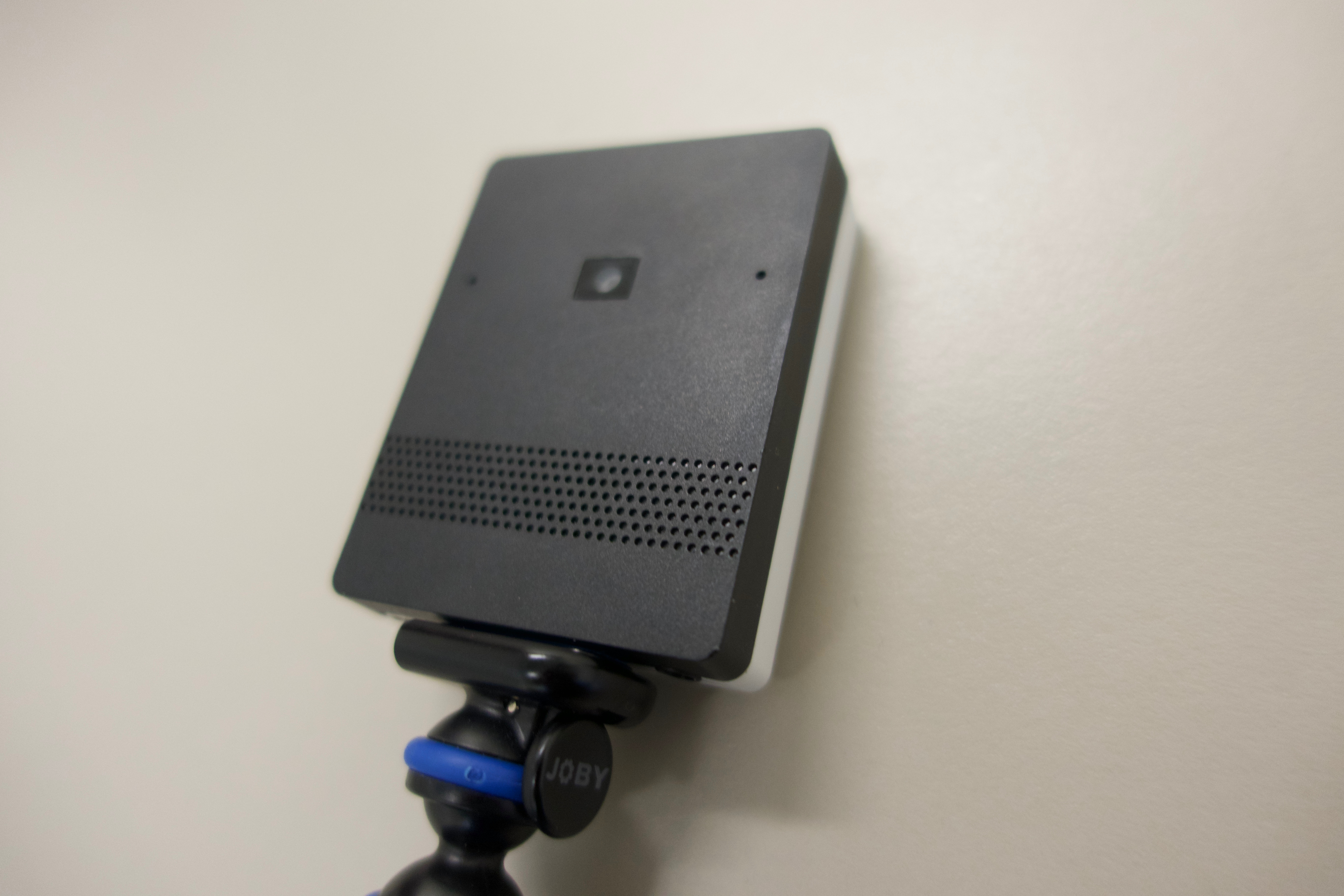
A work colleague shared information about an upcoming camera that very cleverly turns one 4K image into a multiple-camera setup. That camera is theLivestream Movi, and it is now on the wishlist…
Battery life is one hour, so I would need the external battery pack (adds 10 hours of life) and/or a wired connection to power.
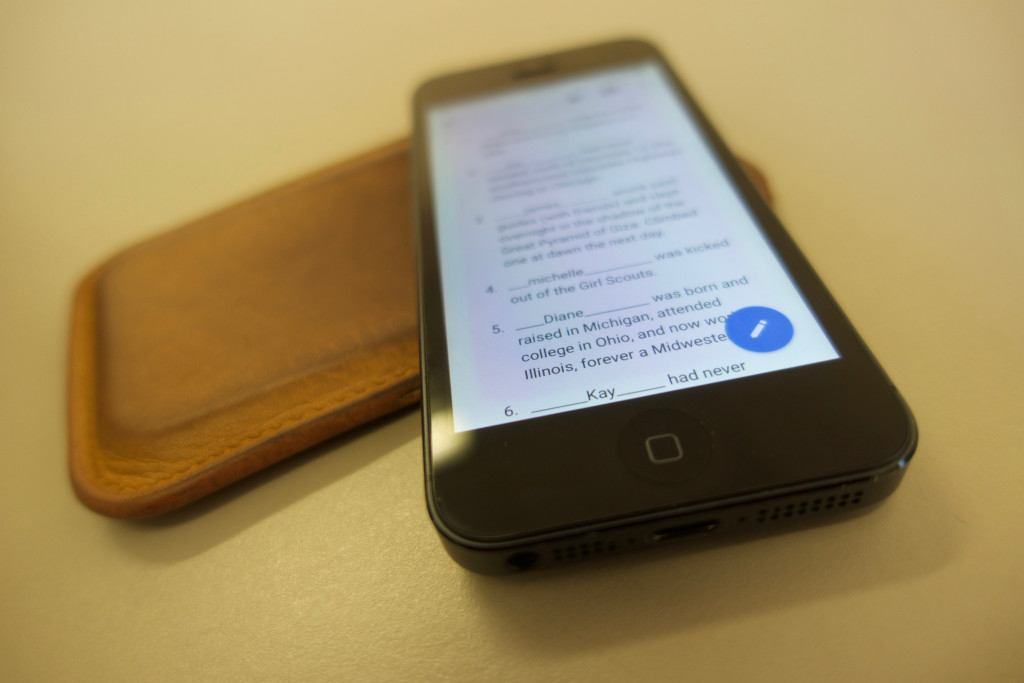
ARIS – “an open-source tool for creating mobile learning games, stories, documentaries, place-based learning activities.” Apparently there is a bit of a learning curve, but this looks to be a fun tool for creating energizing mobile learning experiences.
Google Fusion Tables – Integrated into Google Docs, and a way of gathering and visualizing data tables.
Siftr – A service that maps social photography. At a very rough glance looks a little like a mashup of Google Maps and Instagram. Not particularly well documented, so will have to play with this one.
Part way through I was reminded that I had not used Tweets for Keynote for a while. What once was broken now looks to be fixed. I will have to try this again too…
I have quietly been waiting for Open-Sankoré to update and support OS X Yosemite and/or El Capitan. OpenBoard (a fork of Open-Sankoré) works on OS X Yosemite and El Capitan, and looks pretty much identical.
Finding OpenBoard can be a little difficult, but can be downloaded here.
Interesting enough, Uniboard (the software that Open-Sankoré was based on) works in OS X El Capitan. The origin site to download it, however, does not:
The results skew towards institutions in the U.S., with some international representation. Most of the usual suspects are there, but I was surprised to see the Jack Welch Management Institute topping the list.
Anyone in Higher Education could do worse than to download the report, but may disagree with the ranking.
I updated my MacBook Air to OS X El Capitan (OS X 10.11) last week, and subsequently hit two issues.
The first issue was that Outlook would not work. This luckily has been fixed with an adapt from Microsoft.
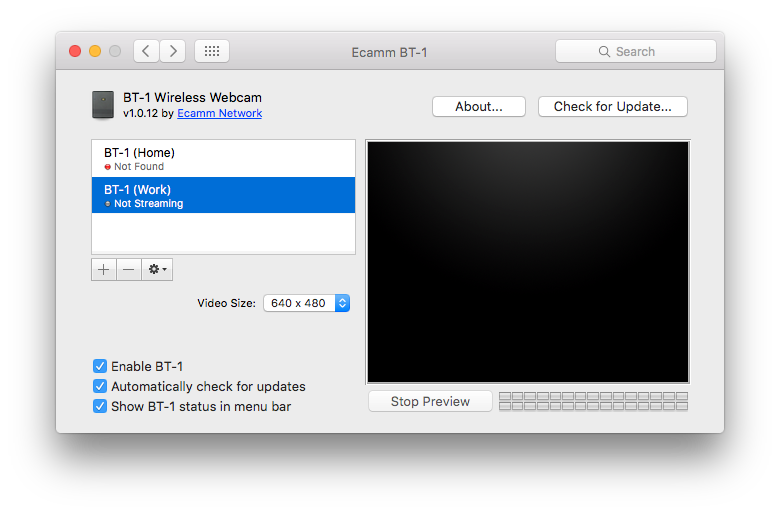
The second issue is unlikely to be resolved. The Ecamm BT-1 Bluetooth Wireless Webcams that I use with ScreenFlow to record class presentations no longer work after the El Capitan upgrade. Ecamm discontinued the camera several years ago, so I don’t see any options beyond reverting to an earlier version of the OS. There don’t seem to be any viable alternatives yet. The Logitech Broadcaster Wi-Fi Webcam does not have an El Capitan driver, the HuddleCam Air HD is too expensive.