It seems like everyone on the Internet received a “Congratulations on your new arrival” email from Shutterfly this morning. Whatever algorithm they are using to predict new parenthood is not as finely tuned as it could be…. Unless this was their cunning plan.
Category Archives: Internet Marketing
The Science of Creating Must-Click Content on Twitter
Courtney Seiter (Buffer) and Jimmy Hang (Twitter) presented a Hangout on “The Science of Creating Must-Click Content on Twitter.”
The presentation contained some useful advice and statistics that can be gleaned from watching the recording, or grabbing the slides from SlideShare.
Google Partners
Google Engage is now “Google Partners.”
Innovative Advertising
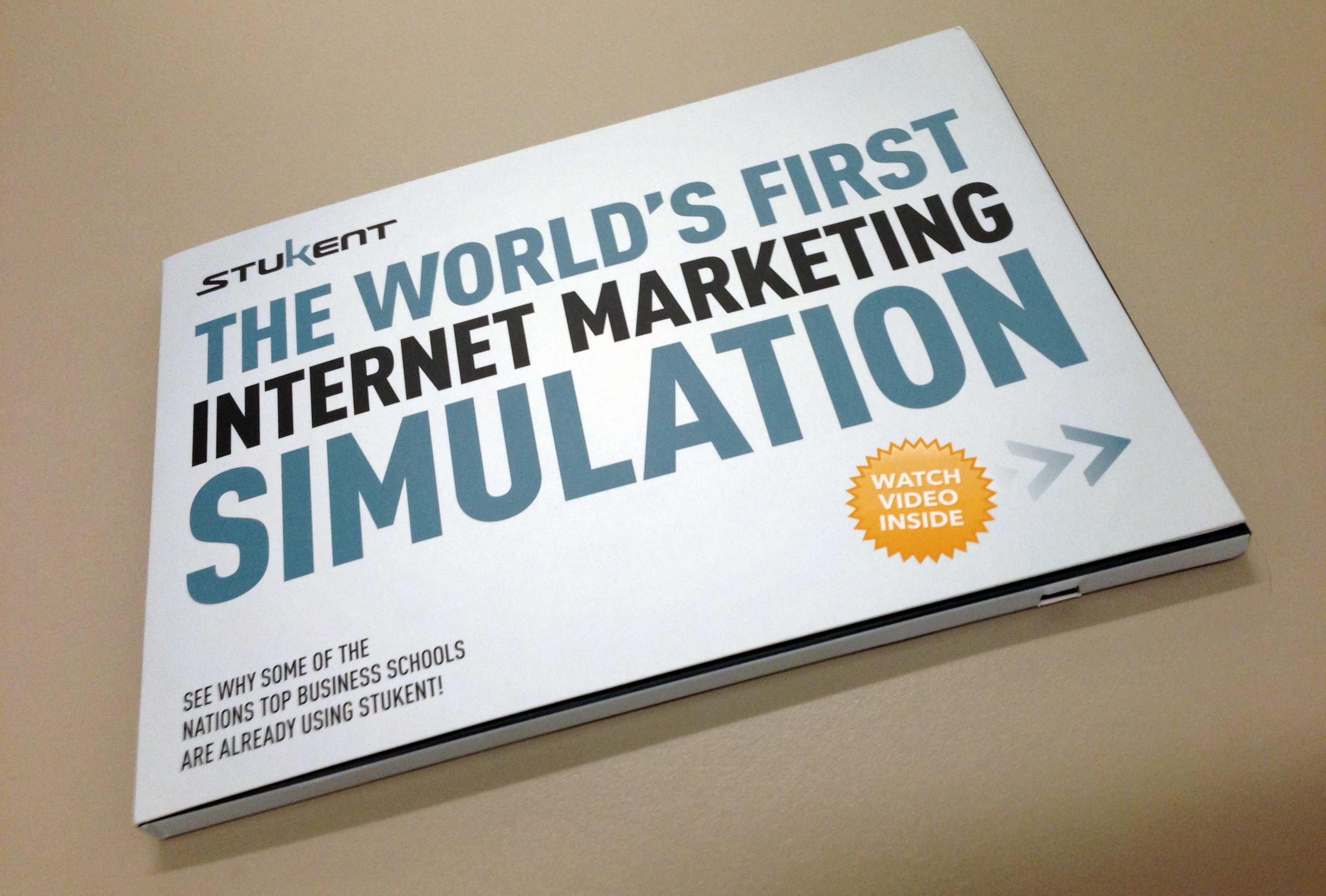
I received a rather nifty package at work yesterday, one of the the more interesting examples of advertising I have seen for some time…
In the same way that some birthday cards play a message or tune as you open them, this mailer started to play an advertising video. A hidden magnet detects whether the cover is open or closed, and plays the video on a loop when open.
I was impressed.
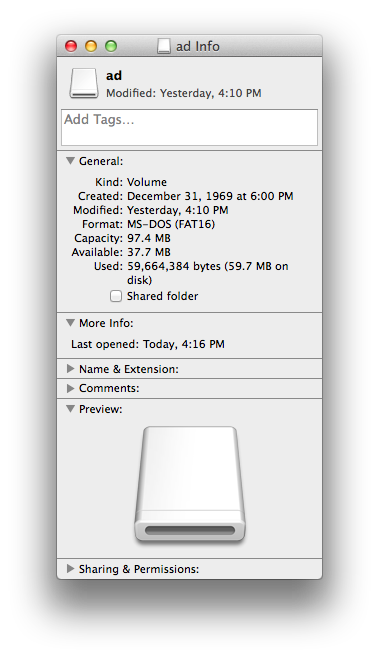
I don’t really have need of the service (stukent.com/special), but I started to experiment with the package. At the bottom of the mailer I could see a Mini-USB port. Connecting a cable allowed me to see that the device showed up as external storage (Ad), with a video directory. Providing I replaced the existing video file there with nothing larger than 97.4 MB, I could play my own videos on the device. Neat.
When I have more time to kill, I am going to cut away the cardboard exterior, and see how I can repurpose this. Possibly in a small frame. Could make for a clever animated wallhanging.
Thank you mysterious stranger for sending me this. I hope you get some business out of this…
HubSpot’s Executive Playbook
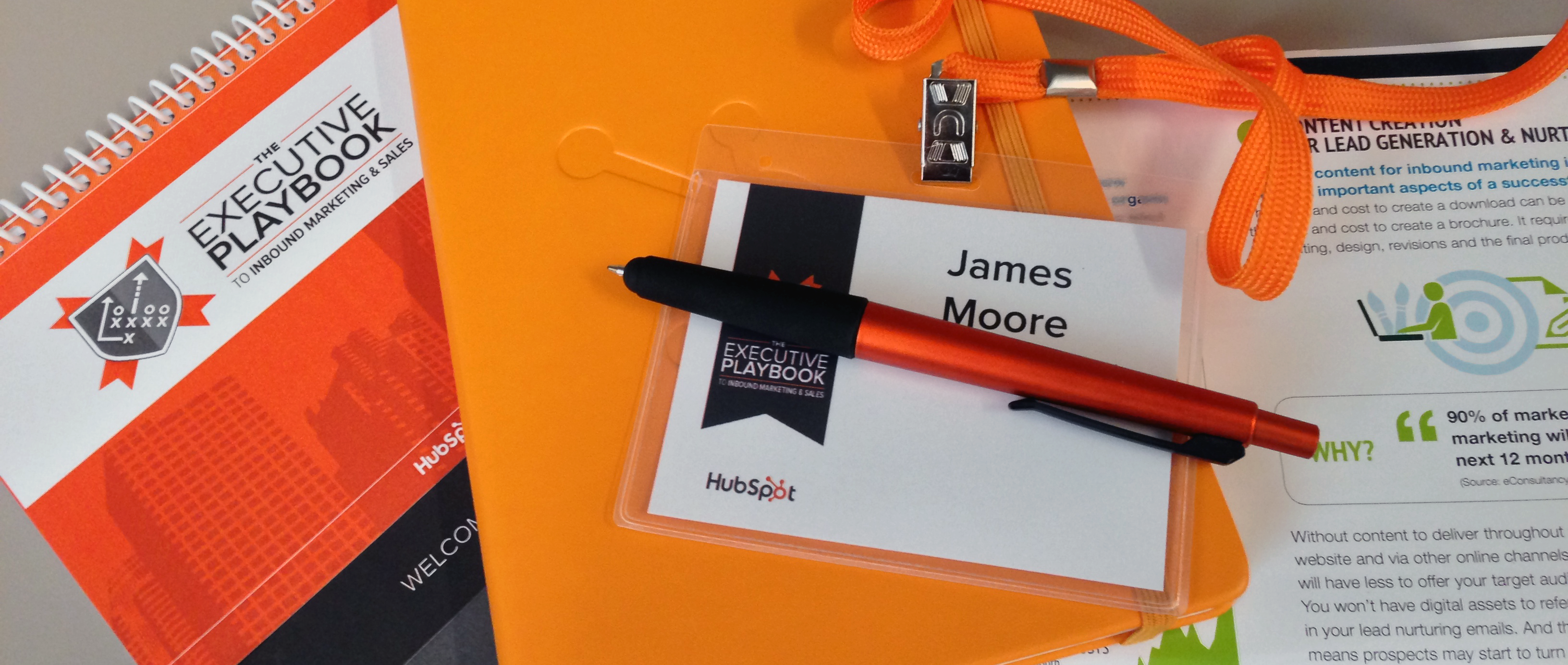
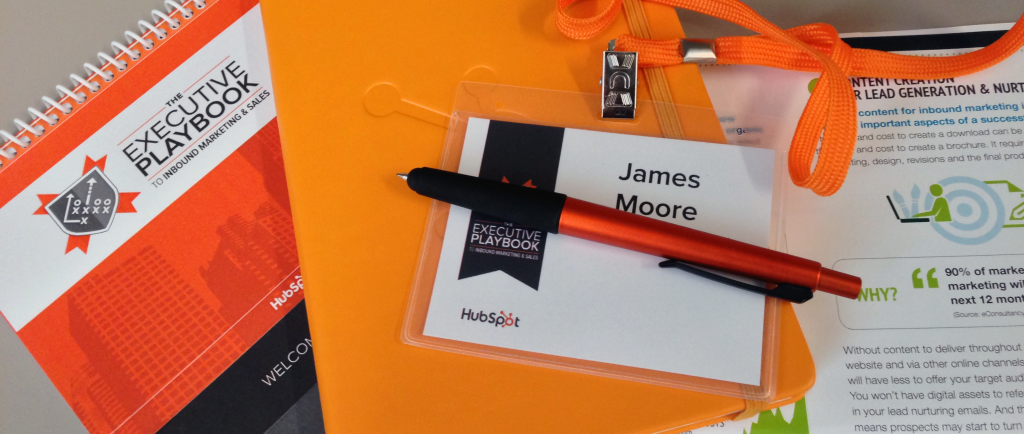
I spent this morning at HubSpot’s Executive Playbook, a presentation in four parts focussing on inbound marketing and sales. I was pretty impressed by how polished and prepared the organizers were – all the common mistakes I see at presentations were not in evidence. Registration was handled well, WiFi details were prominently printed in the handouts, the quality of materials was impressive, sessions started and ended on time, sound worked perfectly, etc. I enjoyed the what I saw and heard.
PDF versions of the presentations are available at http://offers.hubspot.com/playbook13
The four parts were:
1: Jessica Meher (Head of Enterprise Marketing at HubSpot) spoke about the lack of love in in marketing, and how to address this. The key takeaway here (and something I have felt for a while) is that traditional interruptive marketing methods are no longer appropriate, and the smarter way to engage with prospects (and ultimately customers) is to be a resource that people want to find and use. The line used was:
Don’t interrupt what people want to consume. Be what they want to consume.
2: Phill Harrell (VP of Enterprise Sales at HubSpot) focused on the tension between Marketing and Sales, and suggested “Smarketing” as a five-stage solution in which both teams cooperated with common goals and understanding:
- Building a Smarketing Organization.
- Agreement on Terminology.
- Implement a SLA.
- Manage Smarketing.
- Establish Inbound And Outbound Teams.
However, I think one of the fundamental reasons why HubSpot has been able to achieve this close collaboration is that this design was built into the company from the beginning, with automated reporting functionality. This data supports the close collaboration and helps resolve disputes and differences.
3: John McTigue (Kuno Creative‘s Executive Vice President and Co-Owner) detailed a very interesting case study in which a $100,000 investment resulted in over $400,000 sales two months later. He noted that stock photography did not work as well as showing actual images and real people.
4: Erin Wasson (UrbanBound‘s VP of Marketing) shared her experience of creating content for inbound marketing. Her slides are not available online, but the key takeaway of her segment was that:
Create personas! They really work!
and:
Selling through education’ vs. PPC
HubSpot has a follow-up conference in Boston in August. I won’t be there for that, but wish I could be.

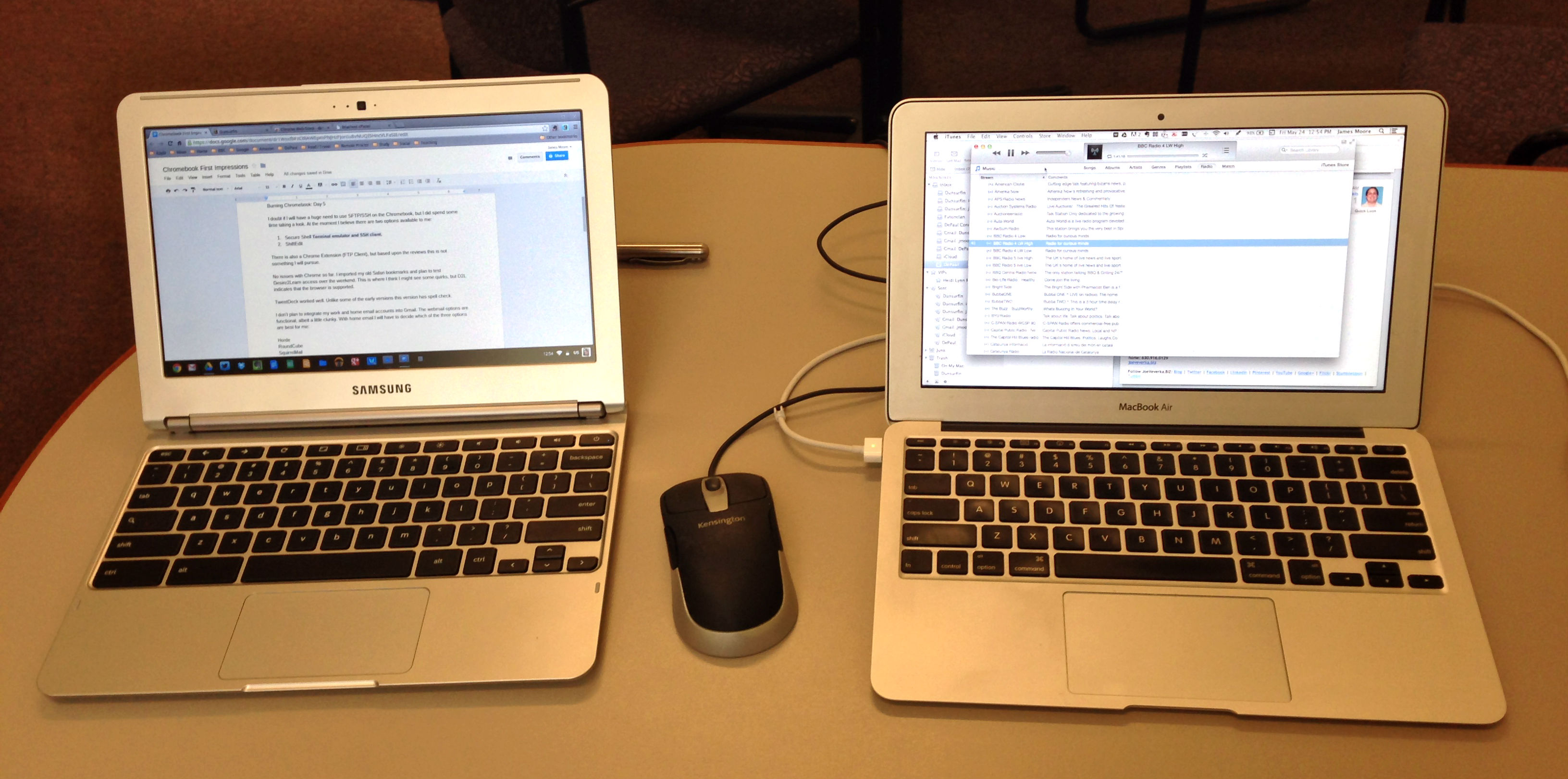
Burning Chromebook: Day 5
I doubt if I will have a huge need to use SFTP/SSH on the Chromebook, but I did spend some time taking a look. At the moment I believe there are two options available to me:
There is also a Chrome Extension (FTP Client), but based upon the reviews this is not something I will pursue.
No issues with Chrome so far. I imported my old Safari bookmarks and plan to test Desire2Learn access over the weekend. This is where I think I might see some quirks, but D2L indicates that the browser is supported.
TweetDeck worked well. Unlike some of the early versions this version has spell check.
I don’t plan to integrate my work and home email accounts into Gmail. The webmail options are functional, albeit a little clunky. With home email I will have to decide which of the three options are best for me:
|
MacBook Air |
Chromebook |
Notes |
|
No issues so far. Spell check does not seem to be available offline. This might be fixed by installing an extension. |
||
|
No issues so far. |
||
|
Some formatting issues with imported files. “Present” not an option unless using native slide format. |
||
|
Files |
Considerable formatting issues with imported slides. Downloaded QuickTime mov, m4v, and mp4 files playable in Files. |
|
|
No equivalent. |
Was not expecting to find an equivalent. |
|
|
Works well. Did not see spell check as an option. |
||
|
Tested with some basic cropping and resizing. Need to test more extensively. |
||
|
No issues so far. |
||
|
No issues so far. |
||
|
No issues so far. |
||
|
|
Gmail and Webmail |
No issues with Gmail so far. Have to configure webmail. |
|
Have not tested. |
|
|
Google Play Music |
Working well. Music Manager has uploaded the majority of my library. |
|
|
Evernote Web |
No issues so far. |
|
|
Dropbox |
No issues so far. |
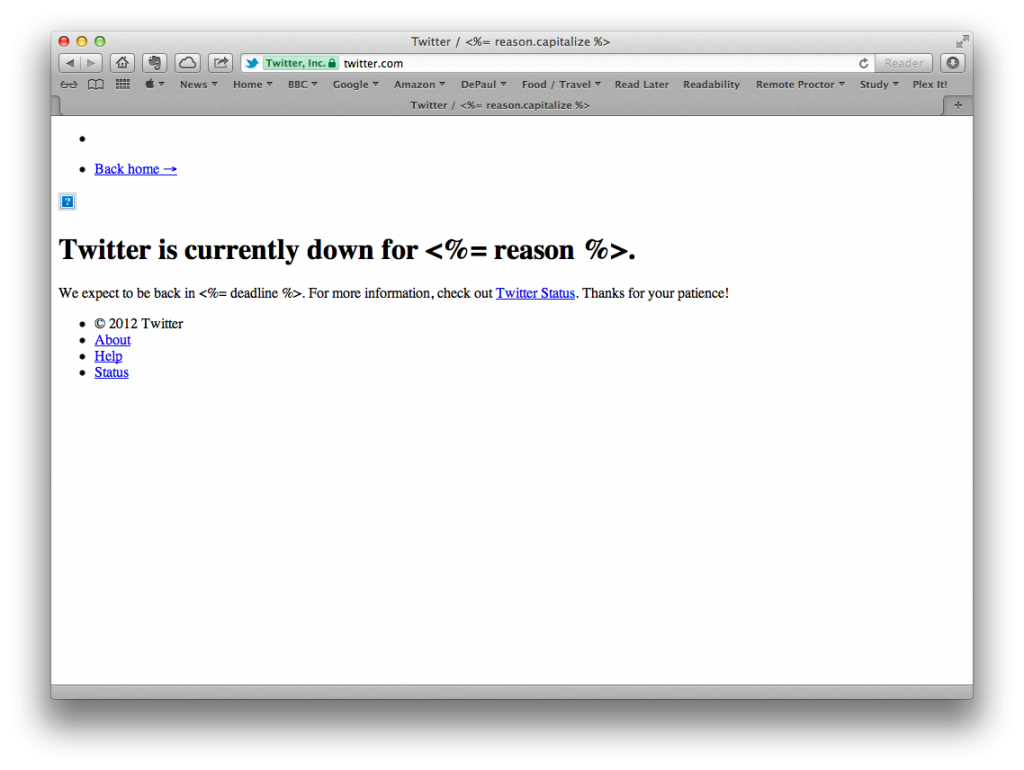
I Would Tweet This Image But Twitter Is Down…
Found Interest in Pinterest
Tom Jacobs at DePaul shared an article with me yesterday that genuinely made me interested in actually using Pinterest. I scavenged an account early when the service was launched, but saw little reason to use it. However, a blogpost (A researcher’s survival guide to information overload and curation tools) on LSE’s website has given me pause to reconsider.
I think I will give it a go now, perhaps spending a week or two to see if the concept grows on me.
The article also shares some other social media tools. Definitely worth reading.
How Google Search Works
http://www.youtube.com/watch?v=5_rIR0cT468
Very nice video from Google, that simply explains how Search (for Google) works.
SMS Video Jukebox
Lunch did not taste that good, but I found this on the table of interest. Clever way to find out which songs/bands are resonating with those eating in a mall.