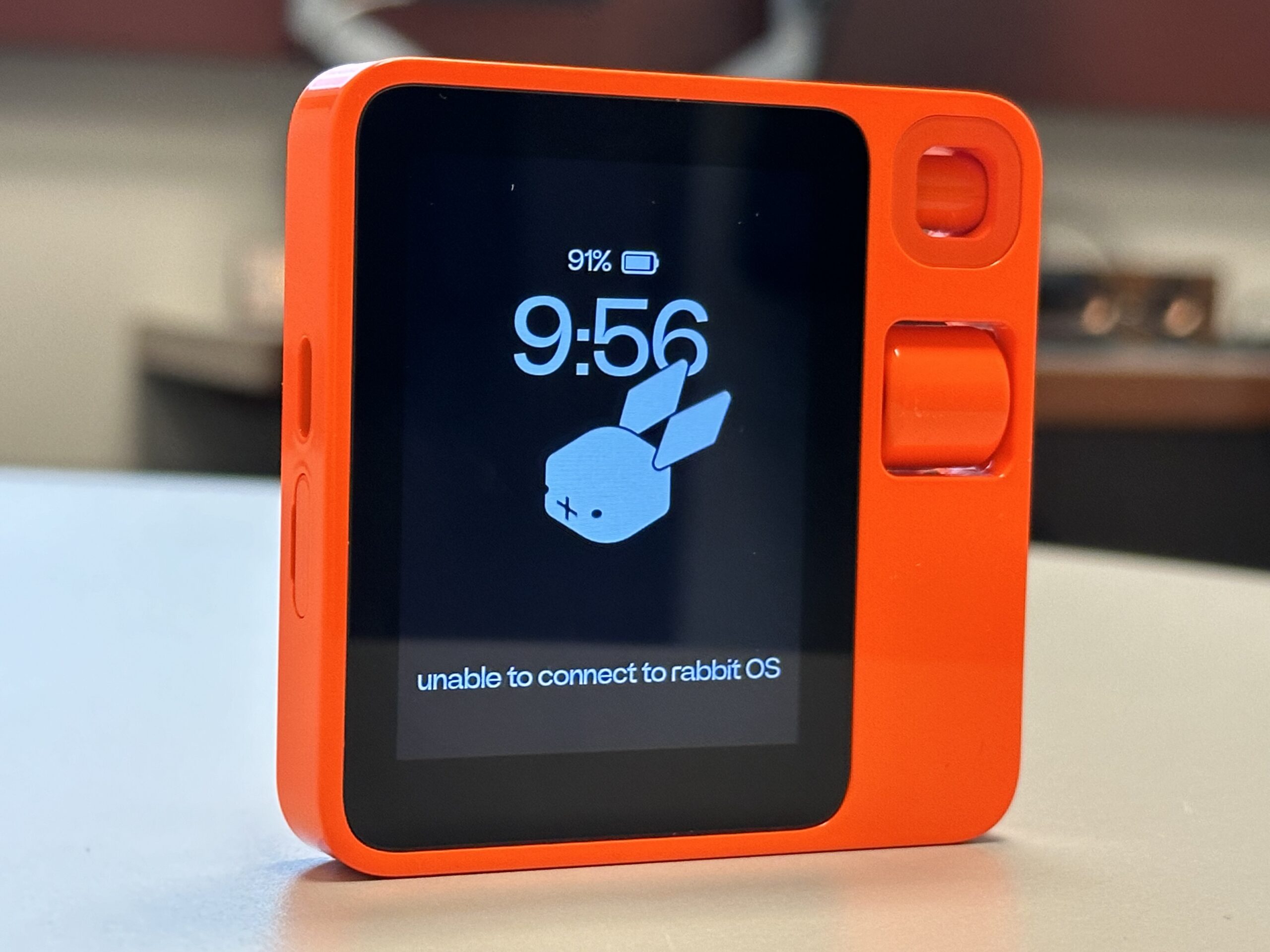
Rabbit R1
Rabbit R1

Netflix
Final Netflix DVDs arrived this week…

Have You Tried Turning It Off and On Again?
Recently, I moved my music over to an ASUSTOR NAS so as to better leverage Plex at home (music, television, movies, etc.). The movies and television worked straight off the bat (apart from having to recode television episodes in Plex’s preferred format). However, music was idiosyncratic. Some uploaded albums worked, others seemed to disappear into the ether with an “Empty Folder – There are no items in this folder” error message. The files were there on the NAS, but Plex could not find all of them.
So, here is what I tried to get things to work:
So, the tried and tested reboot was my friend here today.

I was very lucky to receive an Anbernic RG280V, which is one to the most pocketable emulators I have seen. Unfortunately, the documentation is lacking, so here are some of the online resources I have found that helped me get up to speed:

Walmart has a small case that protects the RG280V. The case appears to be available at a cheaper price elsewhere.
In terms of pocketable retrogaming on the go, this device is hard to beat. The small size can be hard on large hands – the Powkiddy X18S is what I am looking forward to in 2020.
In no particular order, here are notes on things I have learnt whilst playing about with the RG280V.
.opk files reside in the /media/data/apps directory. Newer applications can added, ones that have little use can be removed. Some of these applications end up in the Applications area on the RG280V, or in the Games or Emulators areas.
Here is what I removed:
Here is what I added:
So, I now have a great collection of games that I can ply on the commute to work.
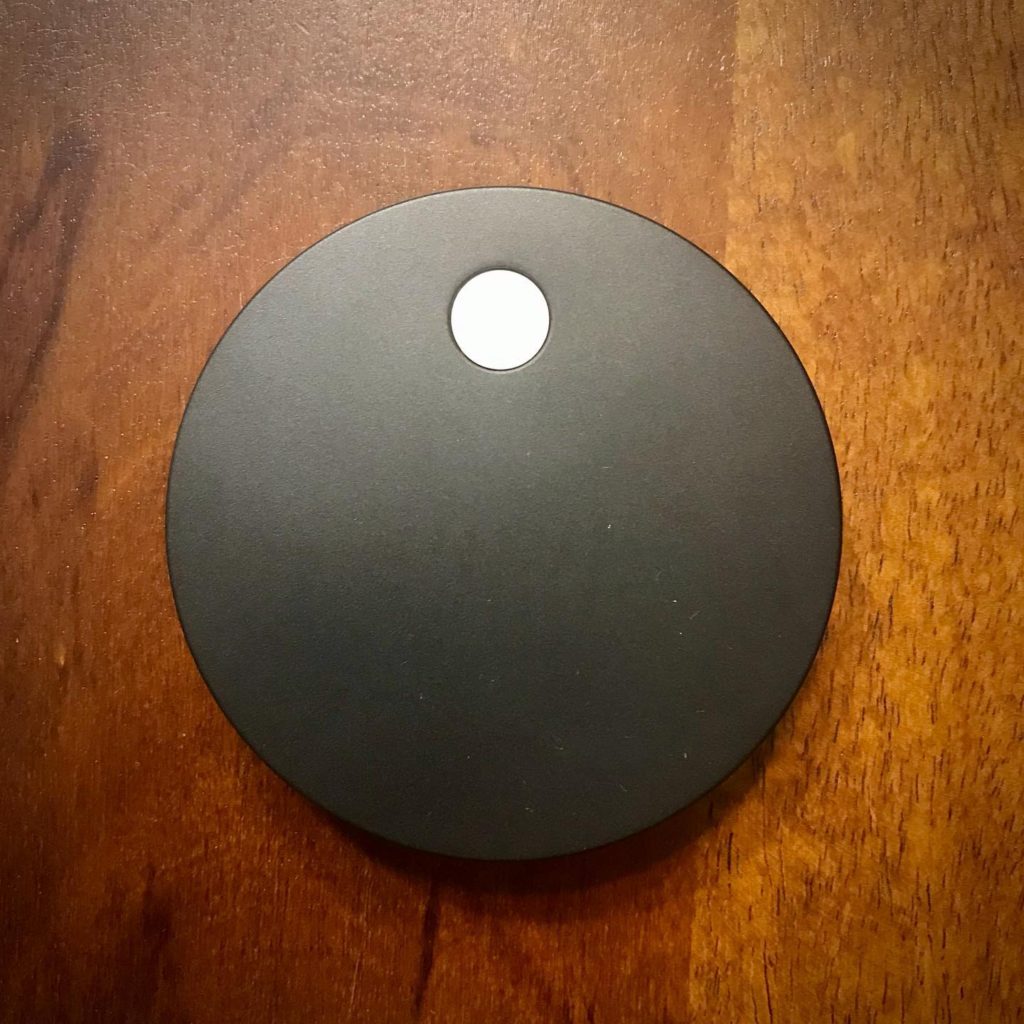
I have been wanting to test the Airtame 2 for quite some time. It looked like it might be the ideal piece of kit to have in my bag to be able to present wirelessly in unfamiliar environments. I recently got the chance. Unfortunately, COVID-19 has prevented me from testing (for the moment) the device in places other than my own home.
So, how did it work out?
The device is attractively designed – a small puck with a magnetic base. A dedicated cable splits to power (USB or electrical outlet) and a HDMI male connection.
Configuration takes place via Airtame Cloud. Airtame Cloud comes in there flavors: Lite (free), Plus ($10 a month), and Custom.

Presenting the screen worked perfectly, but the resolution was a little fuzzy. Installing the Airtame app is required to do this. Messing about with the manual settings did not make much of a difference. Video quality was acceptable, but small text was harder to read. Airtame defaults to share (mirror) a secondary (or tertiary) screen, but changing the display settings in System Preferences allows you to decide which screen to mirror.
AirPlay worked very well after configuring this in Airtame Cloud (activated Google Cast, Miracast, and Airplay mirroring support) . Resolution good. A little bit of lag sometimes. Noticeably, Netflix would not play on the mirrored display (produced an AVF error).
Able to cast directly to the Airtame. Resolution good. Netflix worked here with no errors.
Able to cast directly to the Airtame via the app. Resolution appeared to be a little better than macOS. Was able to extend the desktop via an alternative route:
So, ultimately this work well for me at home – apart from Netflix issues. Planning to test in work environments in the future.

Reflector 3 not working due to Duet being installed
Recently, I had to install Reflector 3 on a Windows Surface Pro laptop to resolve an issue presenting in a classroom. Unfortunately Reflector 3 would not work for me after installing. All I could see was a blank window.
The issue was sue to Duet being installed on the Surface Pro. Removing Duet, rebooting, then reinstalling Reflector 3 fixed things. Thanks to Squirrels support for suggesting this.

DTEN D7 75”
Top of my wishlist for small/medium collaboration rooms is the DTEN D7 75. Basically a self-contained Zoom Rooms alternative that removes the need for a PC, credenza, and miscellaneous items in the room. Little bit spendy, though.
I have started to mess about with the Ricoh Theta S, which allows me to take 360 degree/VR pictures and movies. The camera is a great size and shape, not that much larger than a chocolate bar.
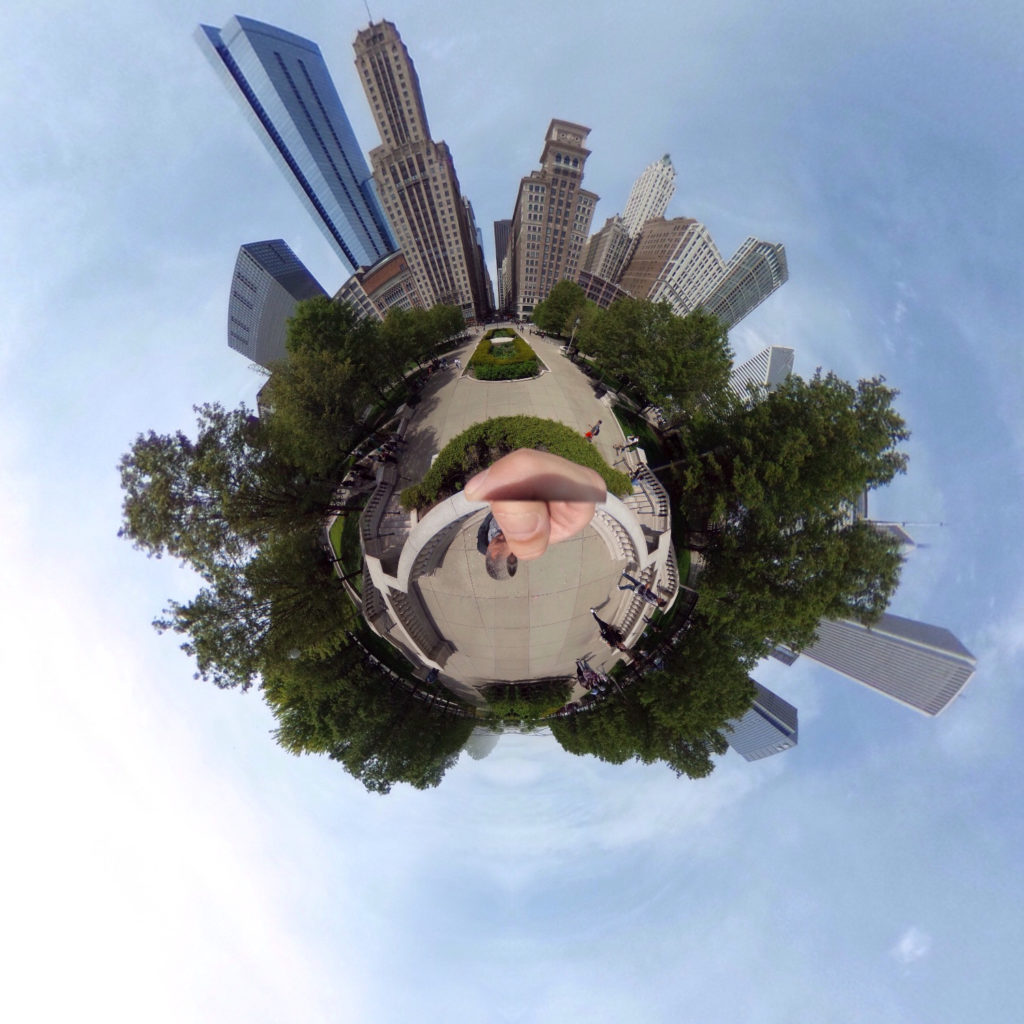
My first experiments with it were hand-held, and because of this my hand looks enormous in the resulting images. Using a selfie stick tripod fixed that issue, and the shutter can be controlled remotely from the iPhone app. The Smatree SmaPole was the best tripod option I found. It works primarily as a selfie stick, but has a small tripod base that turns the pole into a self-standing base.
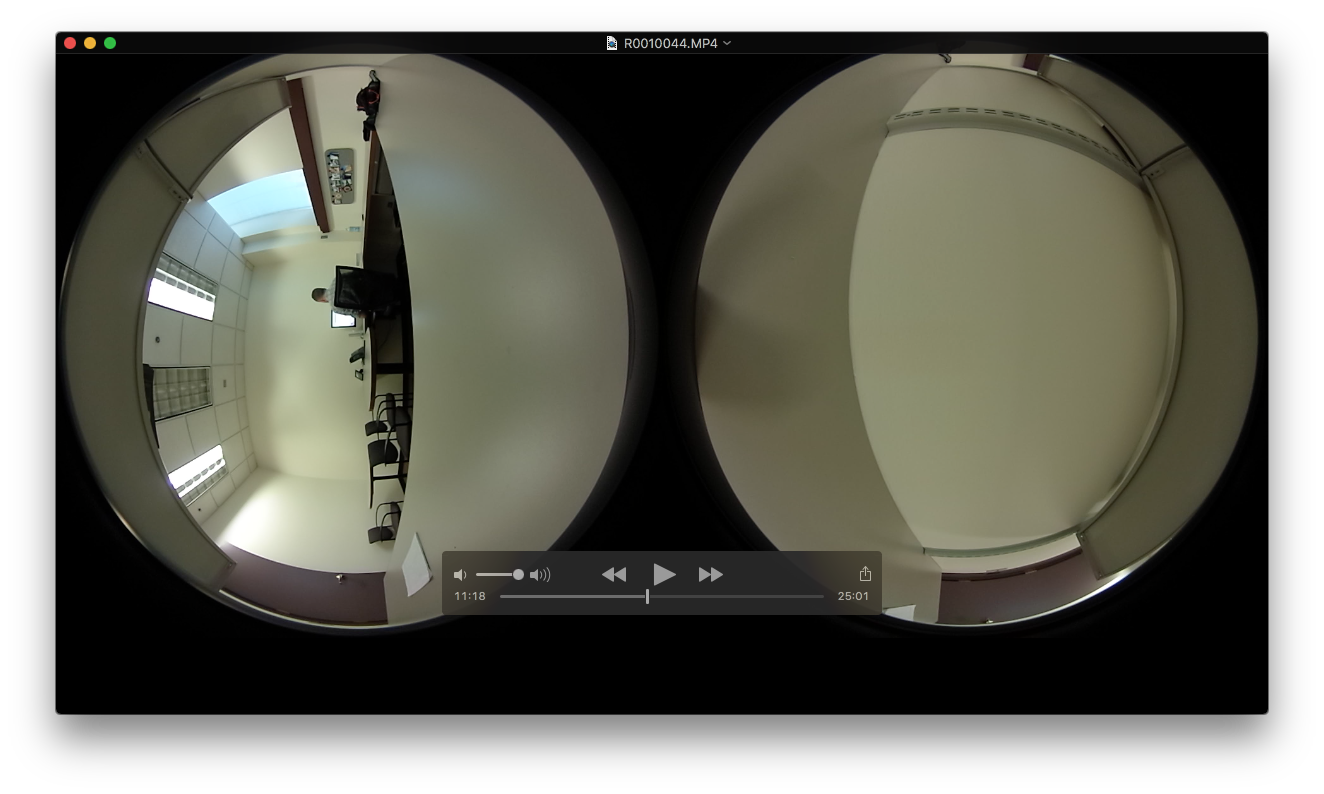
Testing movie recording with a fully charged (but empty) camera resulted with a 2.98 GB MP4 file (leaving it to record until the device switched off automatically). Transferring this to my Macbook Air was a little fiddly, as the only way for the Theta S to show up as an external drive was to press and hold the WiFi and shutter button on the camera while plugging in to the Mac. Took about six minutes for the file to transfer.
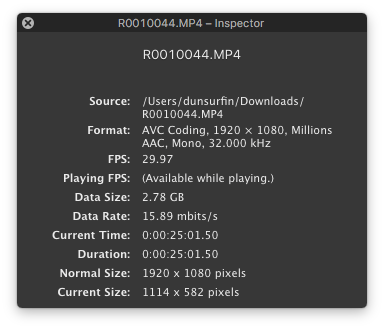
The file was 25 minutes and 1 second in duration.
Ricoh provides a basic viewer (RICOH THETA) for the Mac, through which you drag and drop the spherical images to see them on your computer desktop. Viewing static images is almost instantaneous, but dragging the movie initiates a longer conversion to an equirectangular MP4 version. This took about 40 minutes for the 25-minute recording.
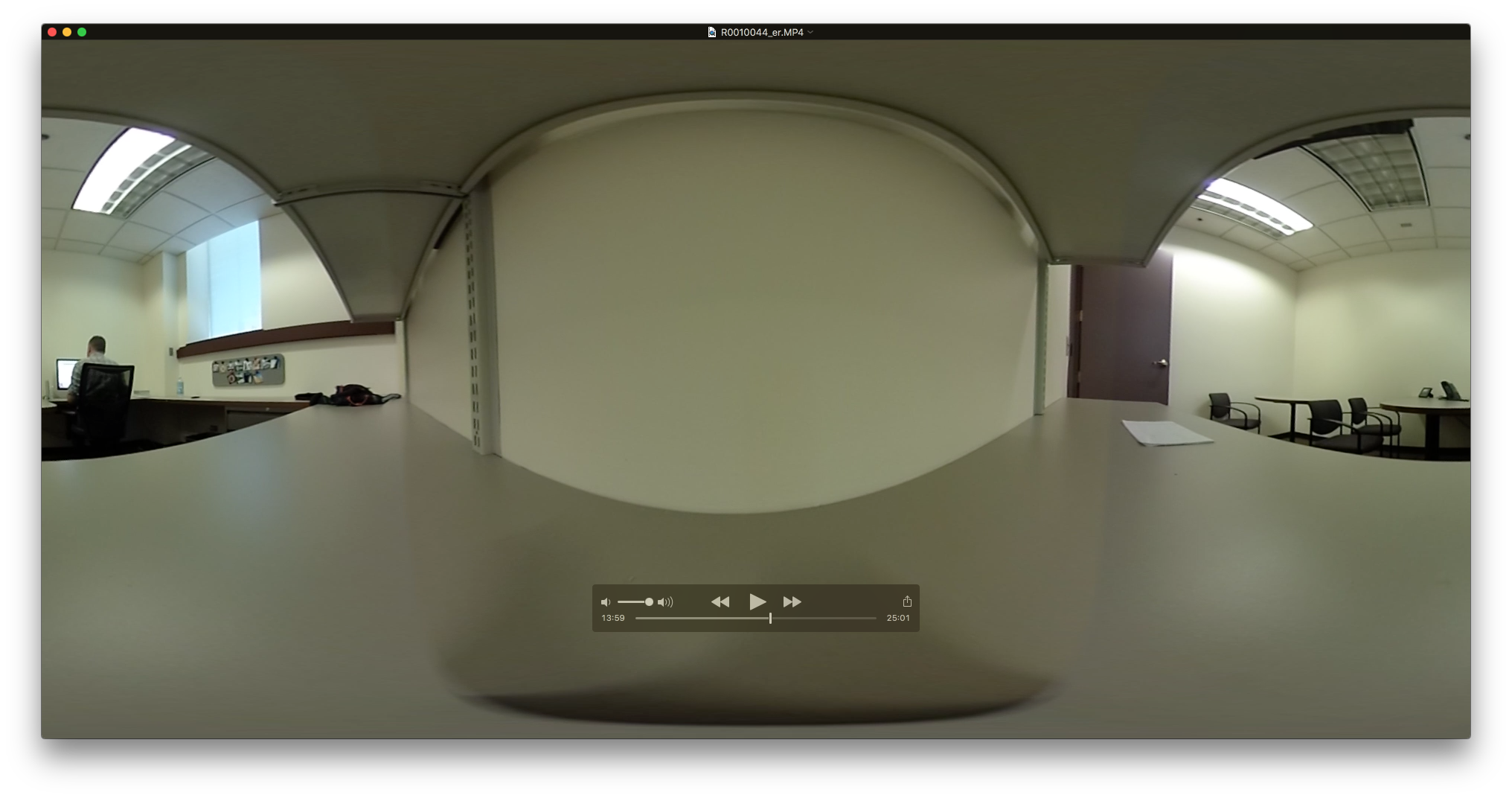
Transferring the movie using the iPhone app took a while (with the warning not to exit the app during transfer). I actually gave up here, as after an hour I had only transferred about 25% of the 25-minute file.
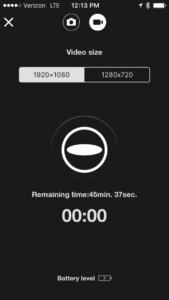
With a power source attached to the Ricoh Theta S, I have the potential to record up to 45 minutes and 37 seconds of video with a resolution of 1920 x 1080. Bumping that resolution down to 1280 x 720 I have a potential recording time of 2 hours and 13 minutes. Testing now to see how long that takes to import, and whether the loss of resolution is acceptable.
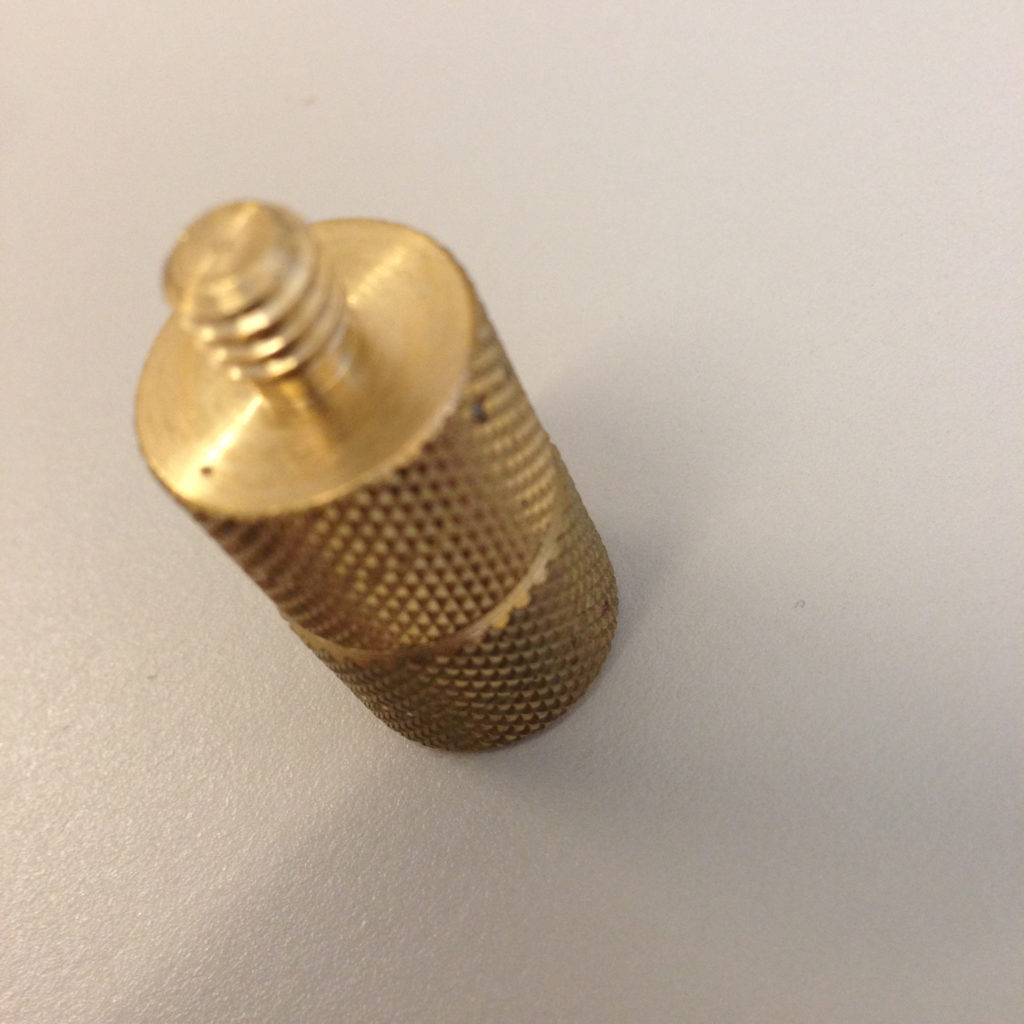
There is a slight design miscue with the placement of the tripod mount hole on the Theta S and the USB terminal. To record for longer than 25 minutes I need external power, but the connecting a tripod blocks the USB terminal. Ricoh is aware of this, and sells the TE-1 extension adapter (for $19…..). However, a couple of Manfrotto Tripod Thread Adapters fixes that issue.