
All posts by James Moore
Ghost Bike

Greenscreen / Chromakey On The Mac

Before and After
A work colleague asked about creating chromakey / green screen images the other day. The wanted to use their Mac computer to superimpose pictures of students on notable Chicago locations.
My quick-and-dirty suggestions were:
- Photo Booth (the easiest, most appropriate solution from my perspective)
- The downside to using Photo Booth is that it crashes on my laptop due to my installation of a Bluetooth webcam.
- iMovie (a bit of a hack, but the process within iMovie is extremely easy)
Another colleague suggested using Photoshop. This tutorial clearly outlines the process. The above example only took a few minutes to create – I did not follow the tutorial fully to the end (hue saturation) which would have removed the green fringing.
Another option would be to use Veescope on iPad.
Winging It

My First Chicago Geekfest Meetup
 I experienced my first Chicago Geekfest Meetup yesterday. The meetups take place every Tuesday at the local Groupon offices. Yesterday’s session was a series of lightning talks:
- Components of an Effective Onboarding Program (Ashish Dixit)
- Running a Successful Meetup from Day One (Brian Kung)
- Static website generation using LambdaPad (Garrett Smith)
- Email Integration Into Your App Using Obindo (Chuck Kreuser)
- Greenscreen: Digital signage, powered by Chromecast (Chris Powers)
Video recordings of the presentations should be up soon on Vimeo.
Livescribe Desktop Software Updates
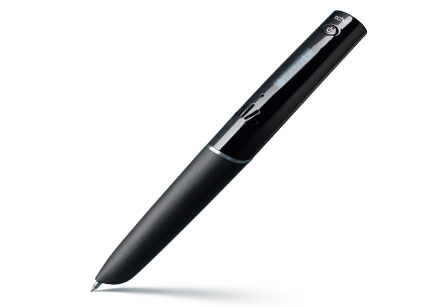
Livescribe is making some significant changes to the desktop software used with the Echo and Pulse pens. Detailed information on the changes can be found here.
Phishing Email Of The Day
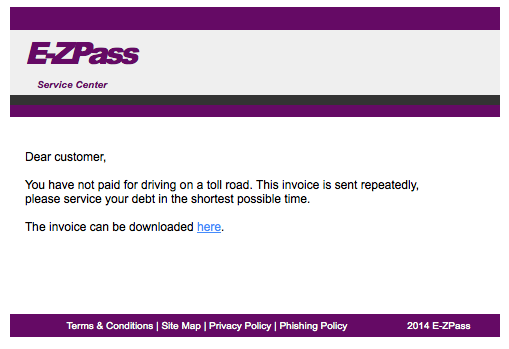
E-ZPass Phishing Email
This has to be my phishing email of the day. The “here” link obviously goes somewhere you don’t want to follow, but the email is targeted well for the unwary.
No Corner Offices

Tweet Binder – Twitter Tracking & Analysis

I had not heard of TweetBinder until recently, but this looks to be a good service for Twitter tracking for events. No idea on pricing, because they don’t publish this on their website.
Shindig
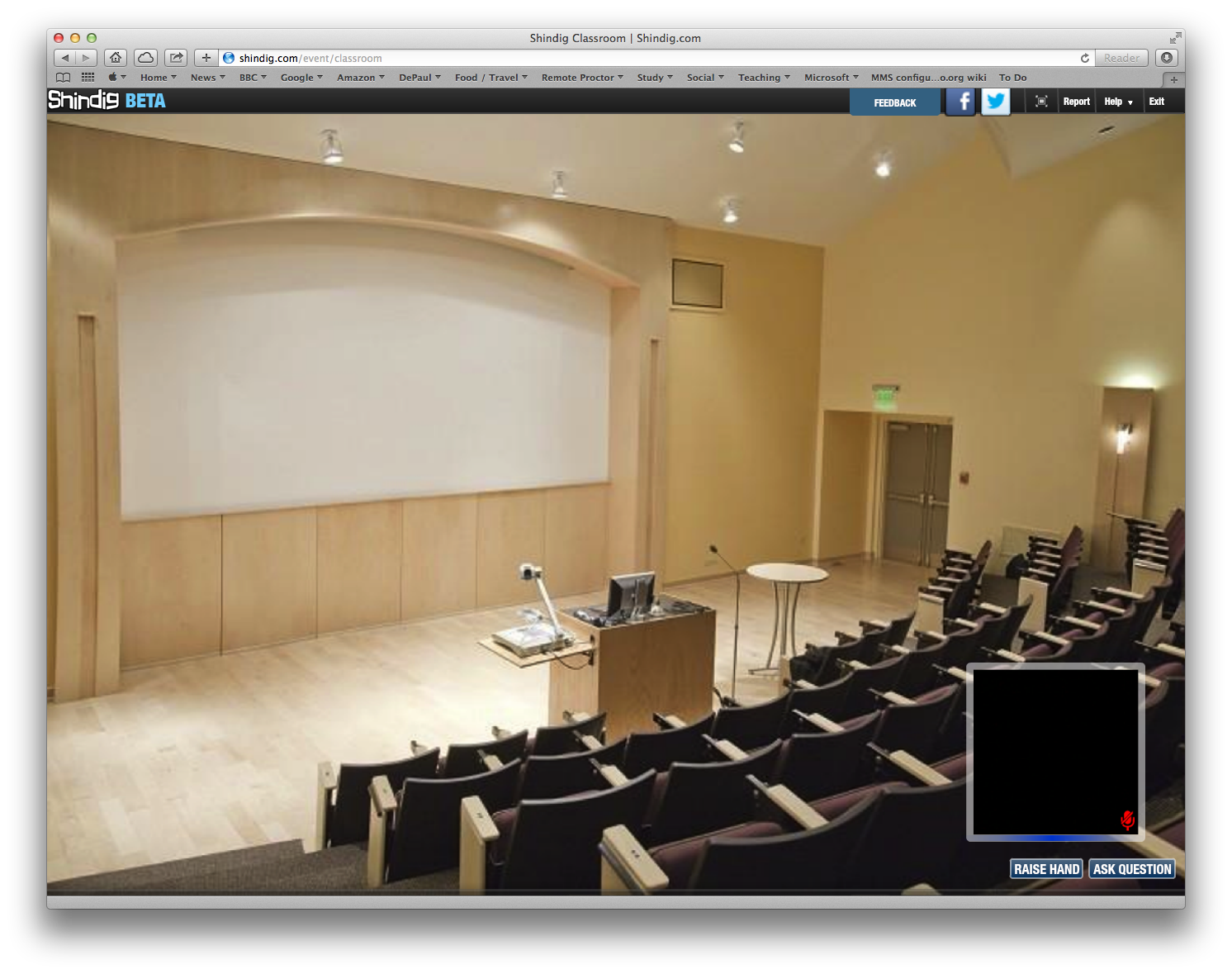
Shindig
I (and two of my work colleagues) got a chance to see Shindig in practice last Friday. Shindig is a video collaboration service that is currently in beta. The user interface is particularly impressive – at work we use tools like this on a regular basis, and typically students and faculty need significant assistance to collaborate. Shindig was something that “just worked.”
However, Shindig is still in beta. I get the impression that the company is still trying to find its way, and work out the best way to make money. Thus, the company is now reaching out to education. This could be a tough sell – education does not have money to spare. There a some important features that Shindig does not have just yet, such as:
- Native recording of video events.
- Native recording of text-chat.
- Polling / quizzing functionality.
- Mobile client (service only works on desktop browsers).
- LTI (Learning Tool Interoperability) API (Application Programming Interface)- i.e. works with all the major LMS ( Learning Management System) platforms.
Additionally, some of the ways that the company markets itself via the website and YouTube sends the wrong message. I get the impression that the company is in a somewhat precarious position.
I hope they make it. I really liked the user interface and basic functionality. Shindig felt like a product where I did not need to crack open the manual.
https://www.youtube.com/watch?v=5JwZoQYnnKc&list=PLRhWiq5YAdTtyuCgLxq0-08jxrm1To-NM
http://youtu.be/ICsNKttfsOE